

SVGStud.io
AI-powered platform for creating, editing, and customizing scalable vector graphics (SVGs) with ease.
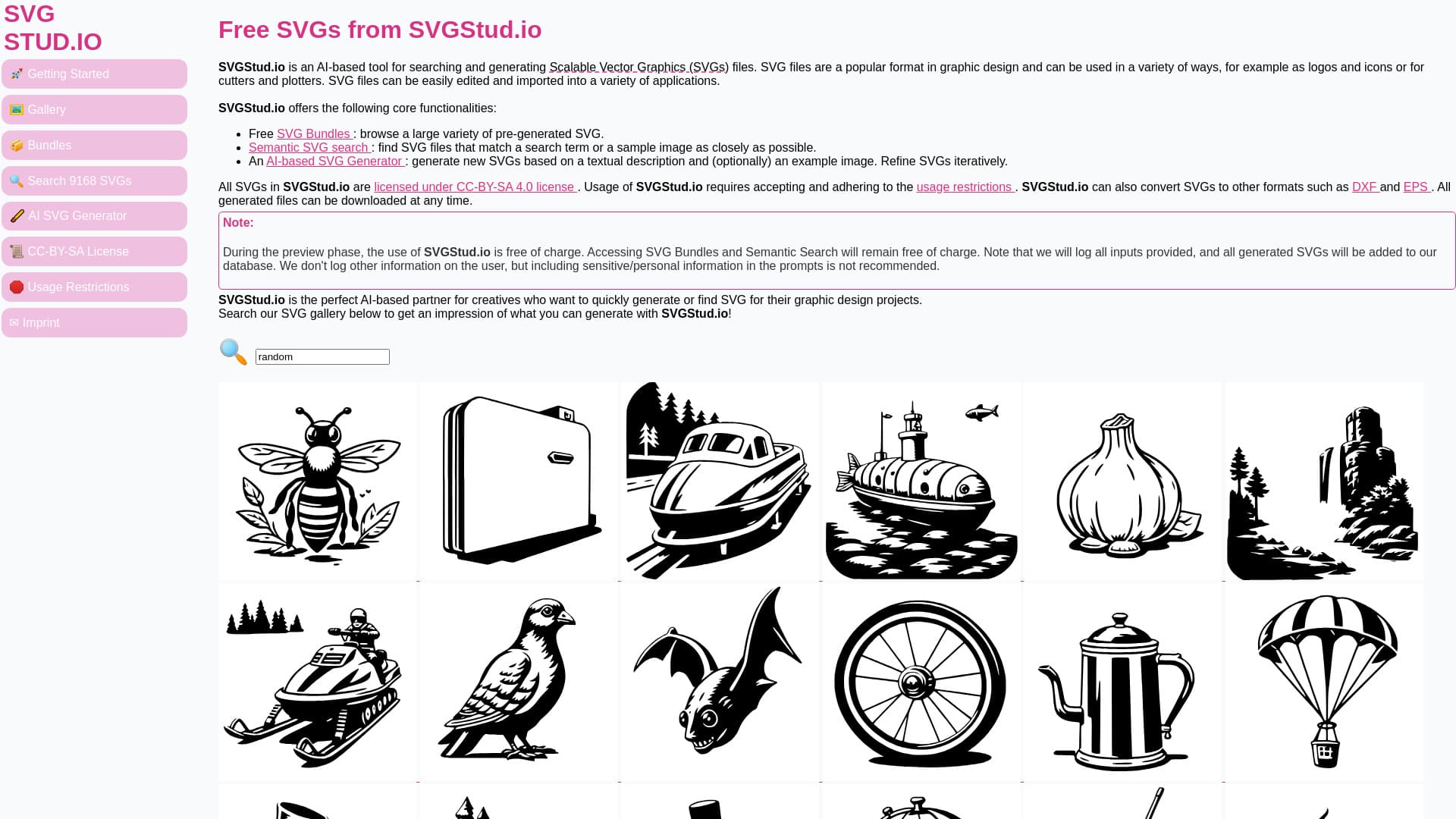
About SVGStud.io
SVGStud.io is an intelligent platform tailored for creatives to effortlessly generate, customize, and edit high-quality SVG files. It features an AI-driven SVG Generator, an intuitive SVG Editor, and a comprehensive library of SVG bundles. Users can craft logos, icons, and detailed designs, utilize semantic search to find specific SVGs, and explore a gallery of AI-generated vector graphics for various projects.
How to Use
Input descriptive text and optional images into the AI SVG Generator to create unique SVGs. Edit and refine designs directly in the browser using the SVG Editor. Use semantic search to quickly locate SVGs matching your search terms or sample images for efficient design discovery.
Features
- Semantic search for precise SVG retrieval
- Extensive SVG library and gallery
- AI-driven SVG generation from text descriptions
- Intuitive browser-based SVG editor
Use Cases
- Create custom SVG icons from text prompts
- Edit and enhance SVG designs instantly online
- Design logos, icons, and graphics for web and print
- Search for specific SVG files using semantic keywords
Best For
Pros
- Free access during the preview phase
- Versatile and easy-to-use SVG editor
- Large collection of SVG bundles and assets
- Advanced semantic search capabilities
- AI-powered SVG generation from text prompts
Cons
- User inputs are logged, and created SVGs are added to a public library
- Avoid sharing personal or sensitive information in prompts
- Limited daily usage on the SVG Generator during preview