

Talk-to-ChatGPT
A Chrome extension that enables voice-based interactions with ChatGPT using speech recognition and text-to-speech technology.
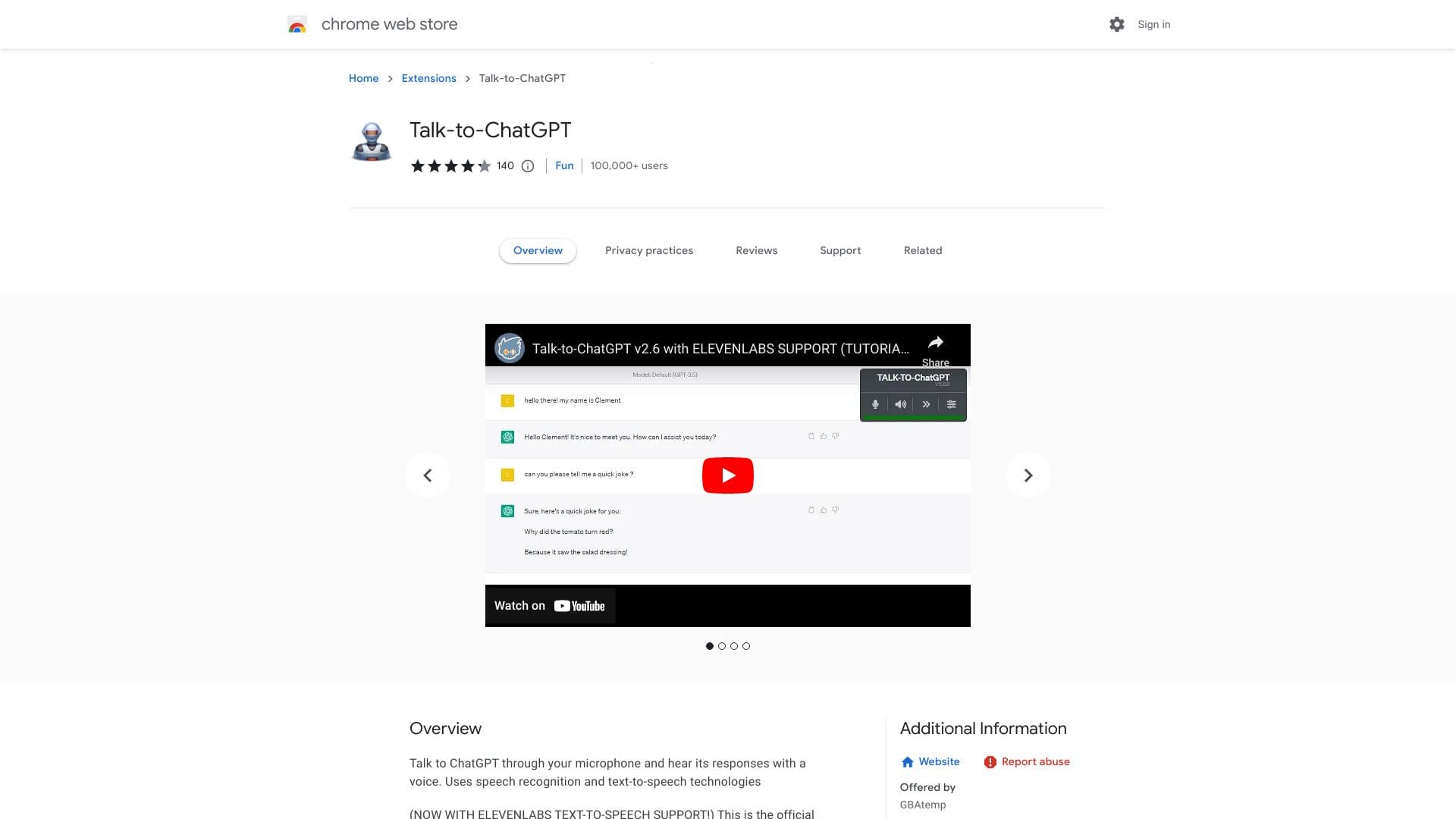
About Talk-to-ChatGPT
Talk-to-ChatGPT is a powerful Chrome extension that allows users to communicate with ChatGPT through voice commands. It leverages speech recognition to convert your speech into text and uses text-to-speech to vocalize the AI's responses. Compatible with all major languages via the Google Chrome API, it also offers optional integration with the ElevenLabs API for an expanded variety of voices, enhancing accessibility and convenience.
How to Use
Install the extension, navigate to the ChatGPT homepage, and click the 'START' button in the top right corner. Customize settings such as language, speech rate, and pitch to suit your preferences.
Features
- Supports diverse voices through ElevenLabs API integration
- Converts ChatGPT responses into speech
- Multilingual support for global users
- Enables hands-free voice interactions
Use Cases
- Practicing new languages
- Hands-free chatting with ChatGPT
- Enhancing accessibility for users with disabilities
Best For
Pros
- Supports a wide range of languages
- Free and open-source software
- Customizable voice and speech settings
- Enables voice-based communication with ChatGPT
Cons
- Dependent on speech recognition and text-to-speech API accuracy
- Requires Google Chrome browser
- Occasional issues reported with widget functionality