
TalkTastic
AI-powered voice dictation extension for macOS that transforms speech into text across all applications, enhancing your productivity and accessibility.
About TalkTastic
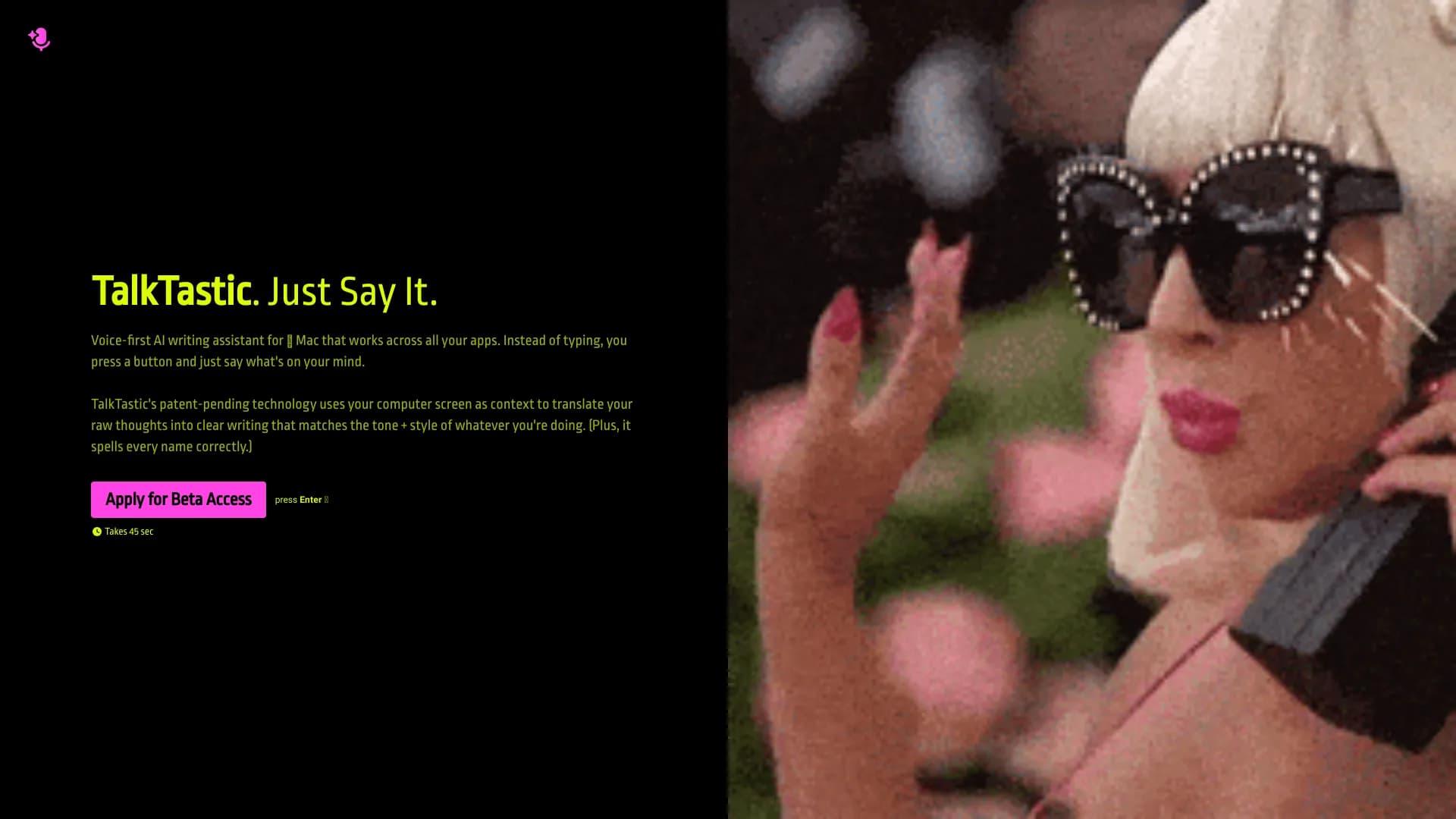
TalkTastic is an innovative AI-based keyboard extension designed for macOS, enabling users to effortlessly convert speech into text within any application. Replace manual typing with accurate voice input to write emails, messages, and documents faster. This tool offers enhanced speed and precision over traditional dictation options like Google, ChatGPT, and OpenAI Whisper, making your workflow smoother and more efficient.
How to Use
Install the TalkTastic extension on your Mac. Click the designated button in any app and start speaking. TalkTastic automatically transcribes your speech into text within the active application, streamlining your writing process.
Features
- Advanced rewriting to match your unique style and tone
- Robust privacy controls with snapshot and data management options
- Seamless voice-to-text dictation across all macOS applications
- AI-driven context awareness for precise and natural writing
Use Cases
- Taking quick notes during multitasking
- Drafting professional documents
- Composing emails and instant messages
Best For
Pros
- Speeds up writing compared to typing
- Granular privacy and data control
- Integrates smoothly with all macOS apps
- Utilizes AI for better contextual understanding
- Offers higher accuracy than many dictation tools
Cons
- Requires macOS 13.1 or newer
- Performance depends on voice clarity and background noise
- Snapshot privacy feature may concern some users despite controls