

Team Sync
An AI-powered work assistant designed to enhance productivity, facilitate collaboration, and streamline workplace tasks.
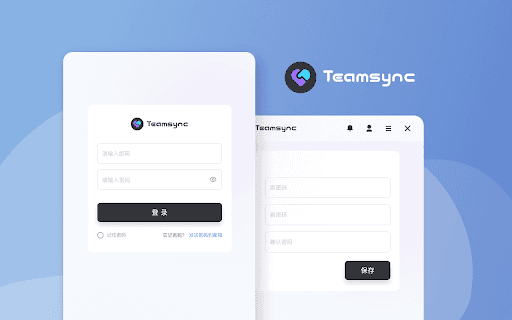
About Team Sync
This AI work assistant helps you answer work-related questions, collaborate effectively, receive message notifications, and optimize your work processes for greater efficiency.
How to Use
Visit the Chrome Web Store, find the extension, and click "Add to Chrome". After installation, access it easily from your browser toolbar.
Features
- Seamless integration with office collaboration tools
- Enhances work efficiency through AI suggestions
- Automates and optimizes work processes
- Provides instant message notifications
- Answers work-related inquiries quickly
Use Cases
- Streamlining workflows with AI recommendations
- Receiving alerts for important team messages
- Consulting the AI for solutions to workplace challenges
Best For
Office professionalsProject managersTeam leadersEntrepreneursRemote workers
Pros
- Simple installation via Chrome extension
- Quickly answers work-related questions
- Integrates smoothly with collaboration tools
- Boosts work efficiency and process optimization
Cons
- May require initial setup and configuration
- Performance depends on the AI's data and algorithms
- Potential privacy concerns regarding data handling
FAQs
How can I install the AI Work Assistant?
Visit the Chrome Web Store, search for the extension, and click "Add to Chrome". It will then be accessible from your browser toolbar.
Is the AI Work Assistant compatible with all browsers?
The extension is designed for Google Chrome and available through the Chrome Web Store for easy installation.
Does the extension require any special permissions?
Yes, it may request access to certain browser functions to integrate with your workflow and provide notifications.
Is my data secure when using this AI assistant?
Data privacy depends on the platform's policies; it is recommended to review the privacy policy before use.
Can I customize the AI assistant settings?
Yes, after installation, you can configure preferences and notification settings within the extension menu.