

TestLabs
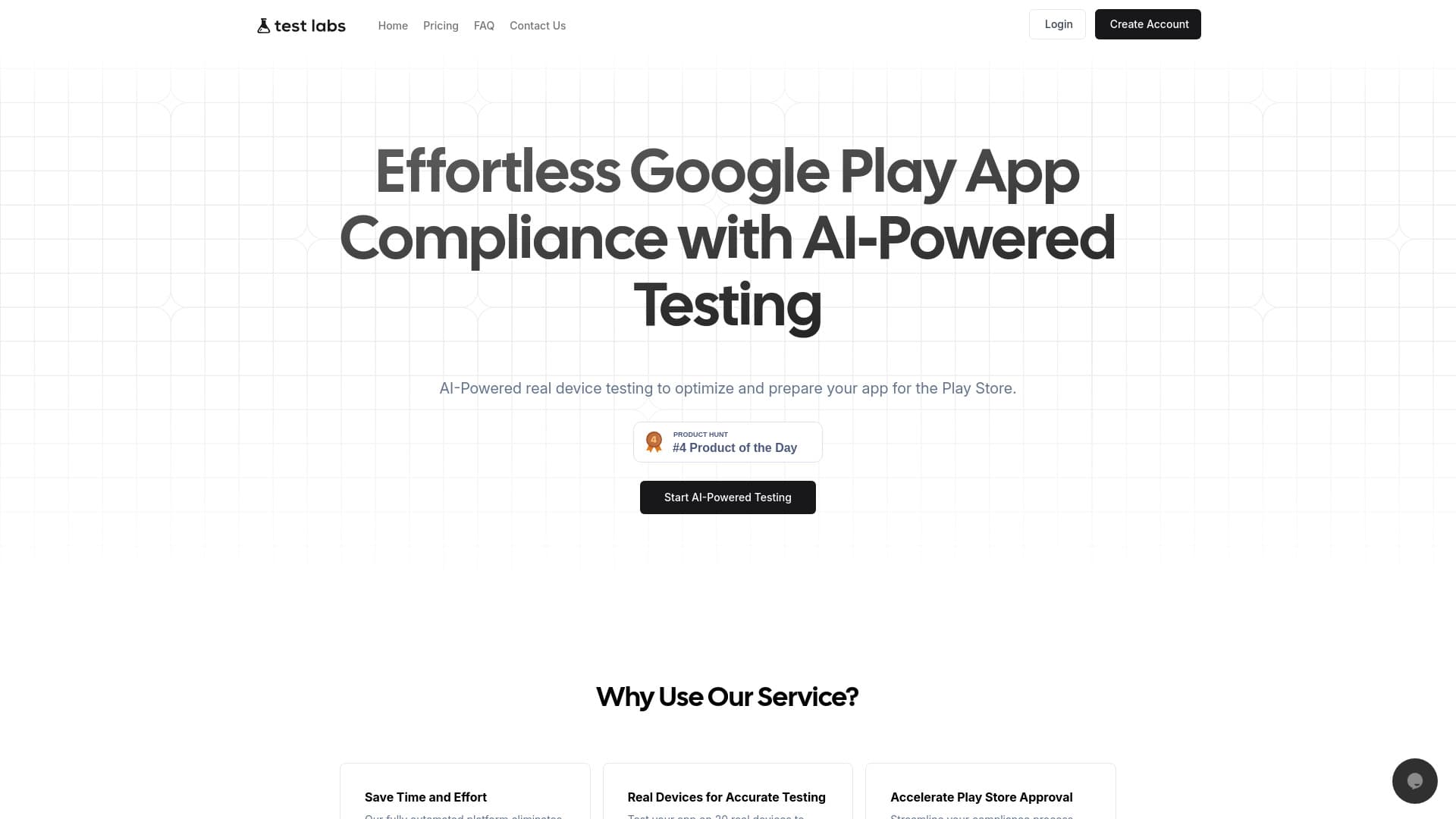
A comprehensive automation platform for real device app testing that ensures compliance with Google Play policies.
About TestLabs
TestLabs streamlines app testing by utilizing real devices, helping developers meet Google's strict 20-device testing policy. The platform offers automated testing, comprehensive reports, and seamless compliance features—all in one integrated solution. Powered by AI, TestLabs performs real device testing to optimize app readiness for the Play Store, reducing manual effort and saving time. It guarantees app compatibility, performance, and adherence to Google Play policies, accelerating app approval. Additionally, TestLabs employs advanced encryption and secure protocols to protect your app data, backed by over a decade of expertise in app testing and quality assurance, providing actionable insights to enhance user experience.
How to Use
Create an account on TestLabs, upload your app securely, and initiate testing. The platform tests your app on 20 real devices daily over 14 days, providing real-time progress updates. Access detailed daily reports, device logs, and screenshots to monitor testing. After completion, confidently submit your app to Google Play for approval.
Features
- AI-driven automated testing on real devices
- Comprehensive reporting with device logs
- Compliance with Google Play’s 20-device testing rule
- Secure, encrypted testing environment
Use Cases
- Testing educational apps for compliance standards
- Preparing apps for Google Play Store submission
- Simplifying app compliance for SaaS providers
- Supporting freelance developers in app testing
- Ensuring app quality for startups
- Assisting app agencies in meeting Play Store requirements
- Automated testing for small businesses
Best For
Pros
- Speeds up app store approval with streamlined compliance
- More affordable than maintaining in-house testing labs
- Provides detailed insights through comprehensive reports
- Ensures data security with advanced encryption
- Accurate testing on 20 real devices for reliable results
- Expert analysis delivers actionable feedback
- Fully automated platform eliminates manual testing effort
Cons
- Pricing depends on chosen plan and testing volume
- Automated testing may miss some rare edge cases
- Requires internet connectivity to access platform
Pricing Plans
Choose the perfect plan. All plans include 24/7 support.
Trial
Access to 1 real device, testing for 3 days, unlimited app size, with automated testing, device logs, screenshots, analytics, and secure processing.
Get StartedBasic
Includes 5 real devices for 14 days, unlimited app size, with detailed reports, device logs, screenshots, analytics, secure environment, and priority support.
Get StartedStandard
Provides testing on 10 real devices for 14 days, with comprehensive reports, device logs, screenshots, analytics, and priority support.
Get StartedPremium
Enables testing on 20 real devices over 14 days, including detailed reports, logs, screenshots, analytics, and premium support.
Get StartedPlay
Dedicated testing on 20 real devices for 14 days, with full reporting, device logs, screenshots, analytics, and priority support.
Get Started