

Text Reader AI
A free, advanced text-to-speech generator featuring realistic AI voices suitable for diverse uses.
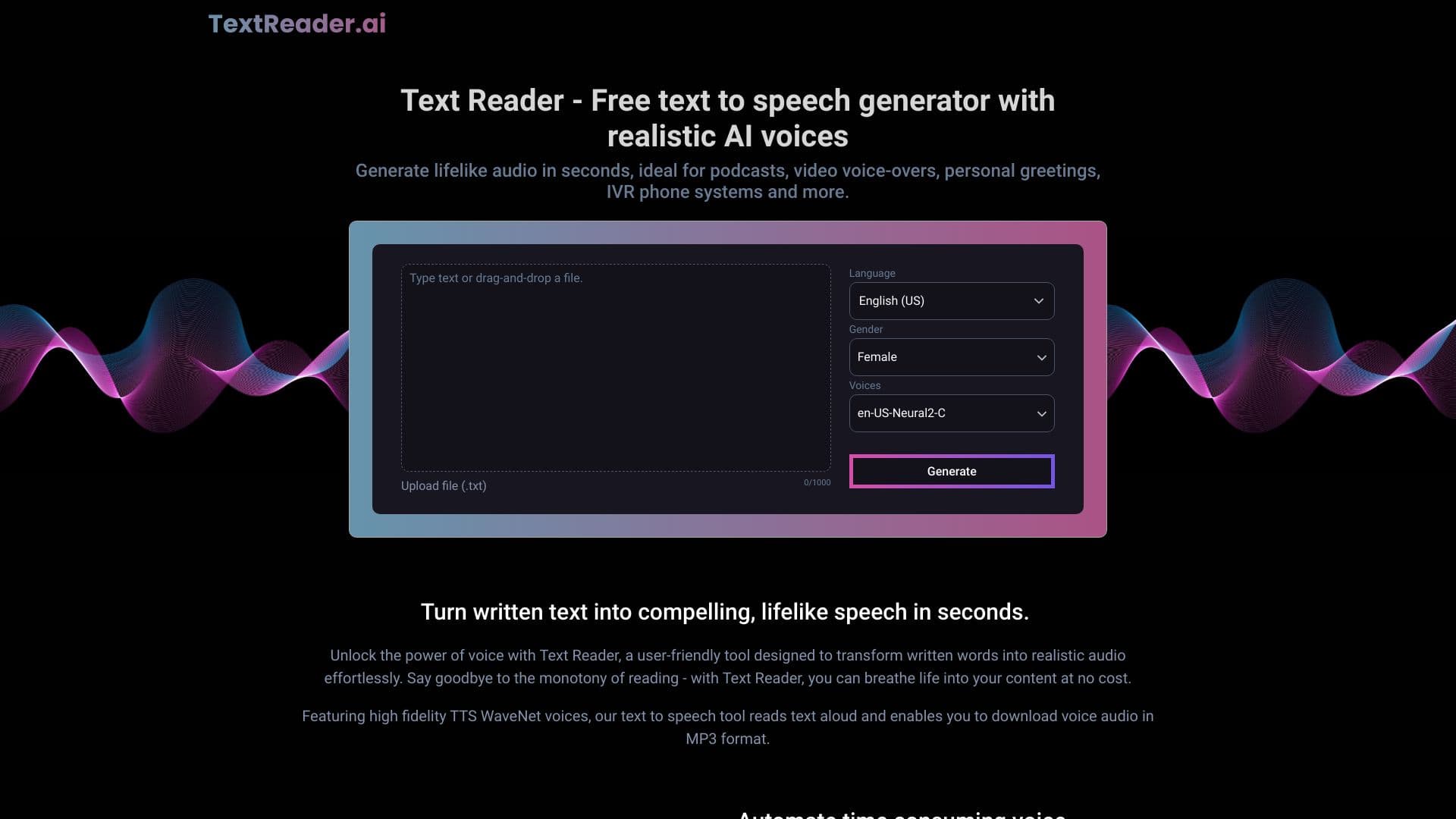
About Text Reader AI
Text Reader is a free and powerful text-to-speech tool that converts written text into natural-sounding speech using realistic AI voices. It is ideal for creating podcasts, video narrations, personal greetings, and IVR systems. The platform enables quick generation of high-quality speech, reducing production time and costs. It supports multiple languages and provides both male and female voice options for versatile use.
How to Use
To generate speech with Text Reader, paste or type your text into the input box, choose your preferred language and voice, then click 'Generate'. The tool processes your text instantly, allowing you to download the resulting audio as an MP3 file.
Features
- Downloadable MP3 audio files
- Realistic AI-driven speech synthesis
- Supports multiple languages and voice styles
- Intuitive and easy-to-use interface
Use Cases
- Enhancing accessibility for students with dyslexia
- Creating audio prompts for IVR systems
- Producing podcast narration
- Generating personalized audio greetings
- Converting notes into audio for convenience
- Adding voiceovers to videos
Best For
Pros
- Easily customizable voiceovers
- Quick conversion from text to speech
- Cost-efficient alternative to hiring voice actors
- Consistent and clear vocal quality
- Supports multiple languages
Cons
- AI may not fully replicate human nuances
- Limited free usage options
Pricing Plans
Choose the perfect plan. All plans include 24/7 support.
Pro Monthly
Includes 3 hours of voice generation per month, access to over 50 languages and variants, and unlimited downloads.
Get StartedPro Annual
Provides 36 hours of voice generation annually, support for 50+ languages, and unlimited downloads.
Get Started