

Text2Audio
Text2Audio is an online platform that converts text into high-quality speech, allowing users to download or listen to audio files instantly.
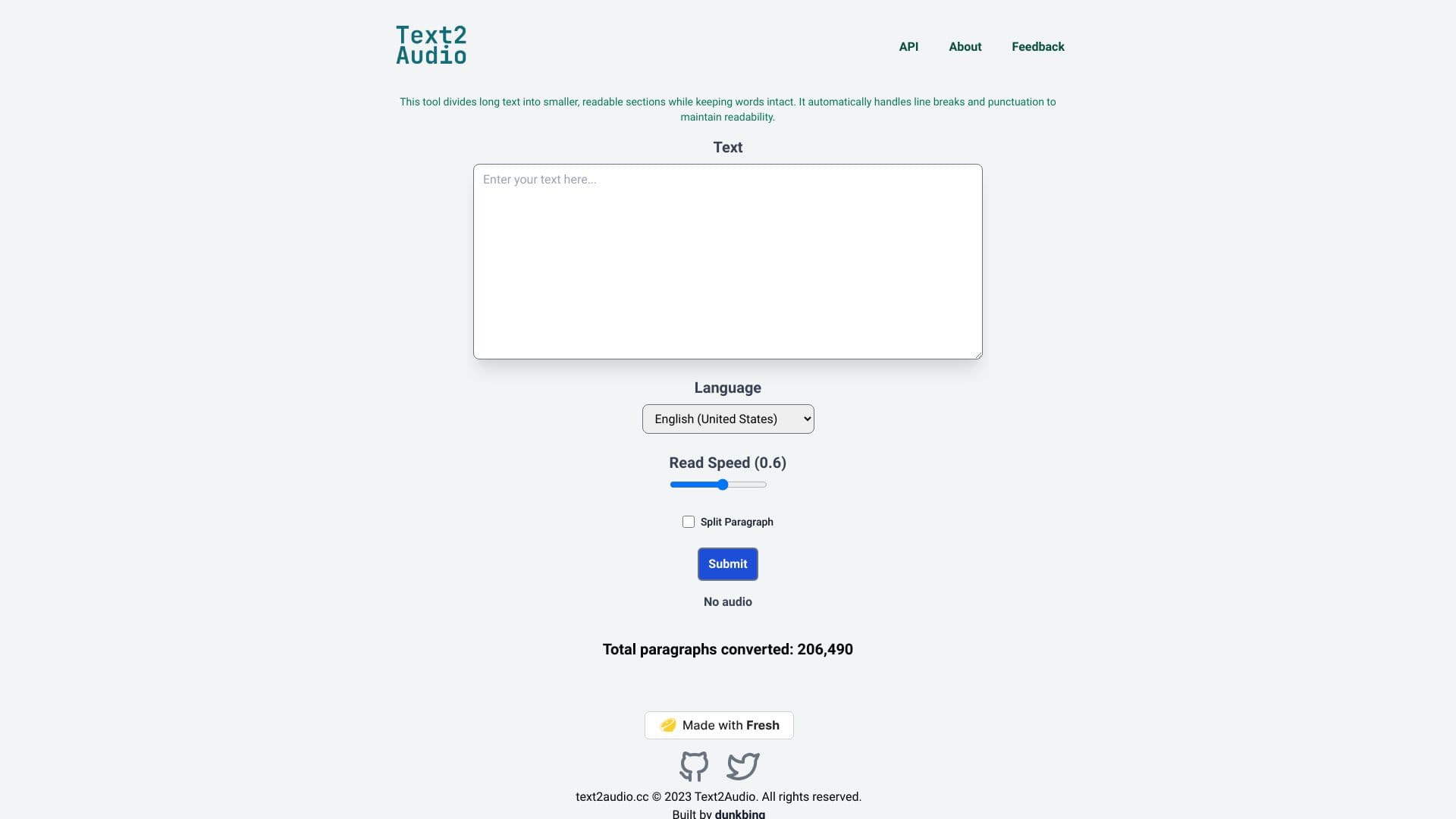
About Text2Audio
Text2Audio transforms written text into MP3 audio files, which you can download or listen to directly in your browser. Powered by Google's text-to-speech API, it offers a simple interface for converting text into natural-sounding speech. Originally created for personal use in TikTok videos, it now serves thousands of users for various educational and accessibility needs.
How to Use
Paste or type your text into the input box, select your preferred language, optionally split lengthy text into smaller sections, then click convert to generate the audio file.
Features
- Creates MP3 audio files from text
- Customize speech speed and volume
- Split long text into manageable segments
- Supports multiple languages
- User-friendly interface
Use Cases
- Converting notes into spoken messages
- Producing voiceovers for tutorials
- Helping language learners improve pronunciation
- Creating narrated stories or audiobooks
- Enhancing accessibility for visually impaired users
Best For
Content creatorsStudentsLanguage learnersEducatorsVisually impaired individuals
Pros
- Supports multiple languages
- Adjustable speech speed and volume
- Easy to convert text to audio
- Download or listen directly
- Free and accessible
Cons
- Supported by ads
- Dependent on Google's TTS API
FAQs
What is Text2Audio?
Text2Audio is an online tool that converts written text into natural-sounding speech, available for playback or download.
How do I convert text to speech?
Paste your text into the input box, choose a language, optionally split the text, and click convert to generate an audio file.
Is Text2Audio free to use?
Yes, it is completely free with no charges or usage limits.
Can I customize the speech output?
Yes, you can adjust the speech rate and volume to suit your preferences.
Which languages are supported?
Text2Audio supports multiple languages, including popular options like English, Spanish, French, and more.