

Thumbnail Maker Pro
AI-driven thumbnail generator for YouTube featuring customizable facial expressions.
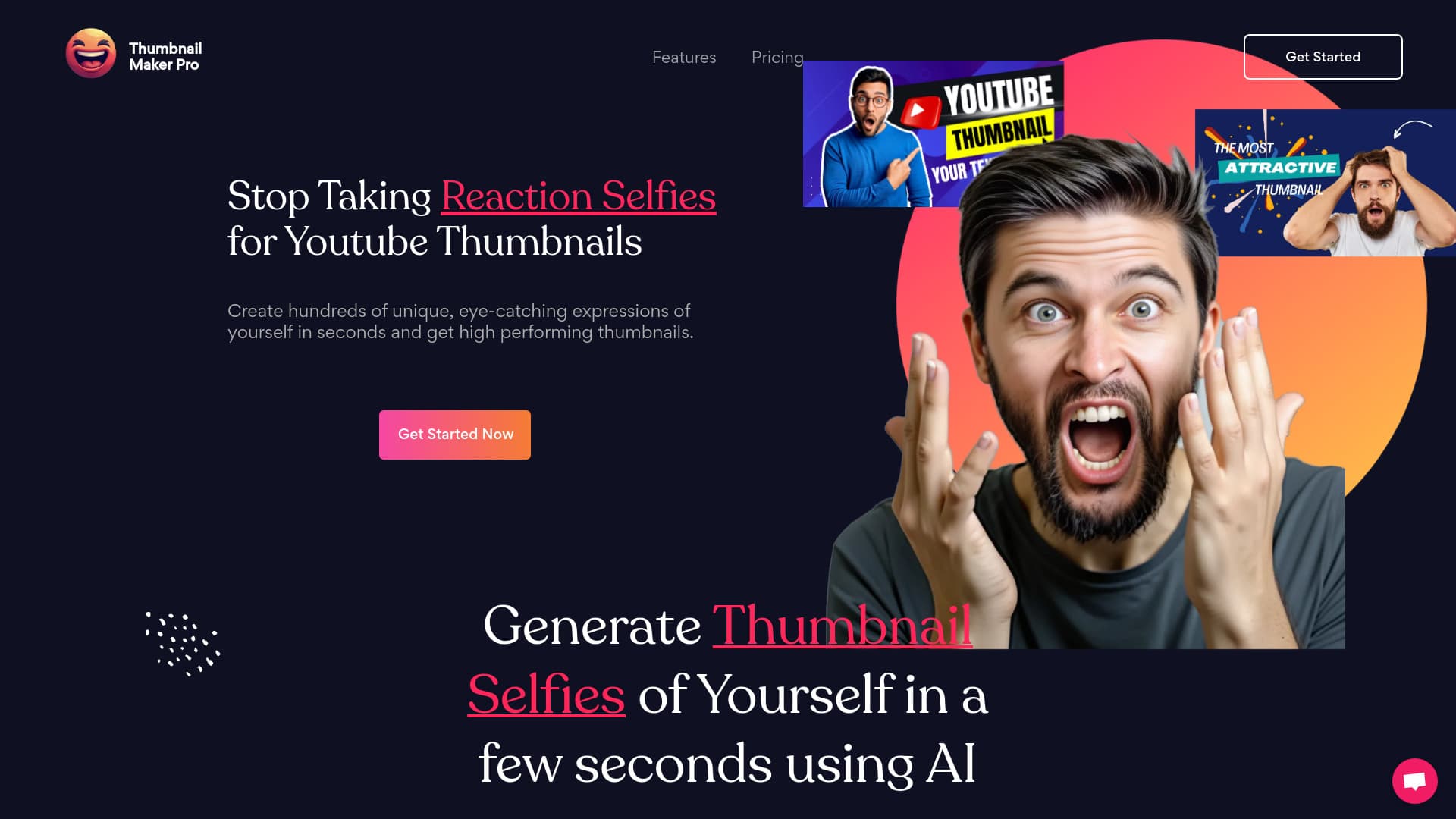
About Thumbnail Maker Pro
Thumbnail Maker Pro leverages artificial intelligence to craft unique, attention-grabbing thumbnails for YouTube videos. Users can design high-performing images with diverse facial expressions to enhance click-through rates and increase views. Simply upload your photos, and the AI trains to produce personalized reaction selfies suitable for engaging thumbnails.
How to Use
Upload 10-20 photos of yourself to train the AI model. Choose from a variety of facial expressions, and the AI will generate thumbnail images within seconds. Download and apply these personalized thumbnails to your YouTube videos easily.
Features
- AI-based thumbnail creation
- Customizable facial expressions
- Generation of unique reaction selfies
- High-resolution image exports
Use Cases
- Designing engaging YouTube thumbnails with personalized facial reactions to increase video views
Best For
Pros
- Enhances YouTube click-through rates (CTR)
- Creates distinctive, eye-catching thumbnails
- User-friendly with straightforward upload and selection
- Offers a wide variety of facial expressions
Cons
- AI training process requires approximately 30 minutes
- Involves uploading personal photos for training
- Credit-based pricing may not suit all users
Pricing Plans
Choose the perfect plan. All plans include 24/7 support.
60 Credits
Train the AI with your photos. Generate photos at 0.166$ each. Export high-quality images. Credits never expire. No subscription required; pay-as-you-go system.
Get Started200 Credits
Use your photos to train the AI. Each generated photo costs 0.149$. High-quality exports available. Credits are valid indefinitely. No subscription needed; flexible pay-as-you-go pricing.
Get Started