

Tila AI
A comprehensive visual AI workspace designed for multimodal projects and workflow automation, enabling seamless creative and operational tasks.
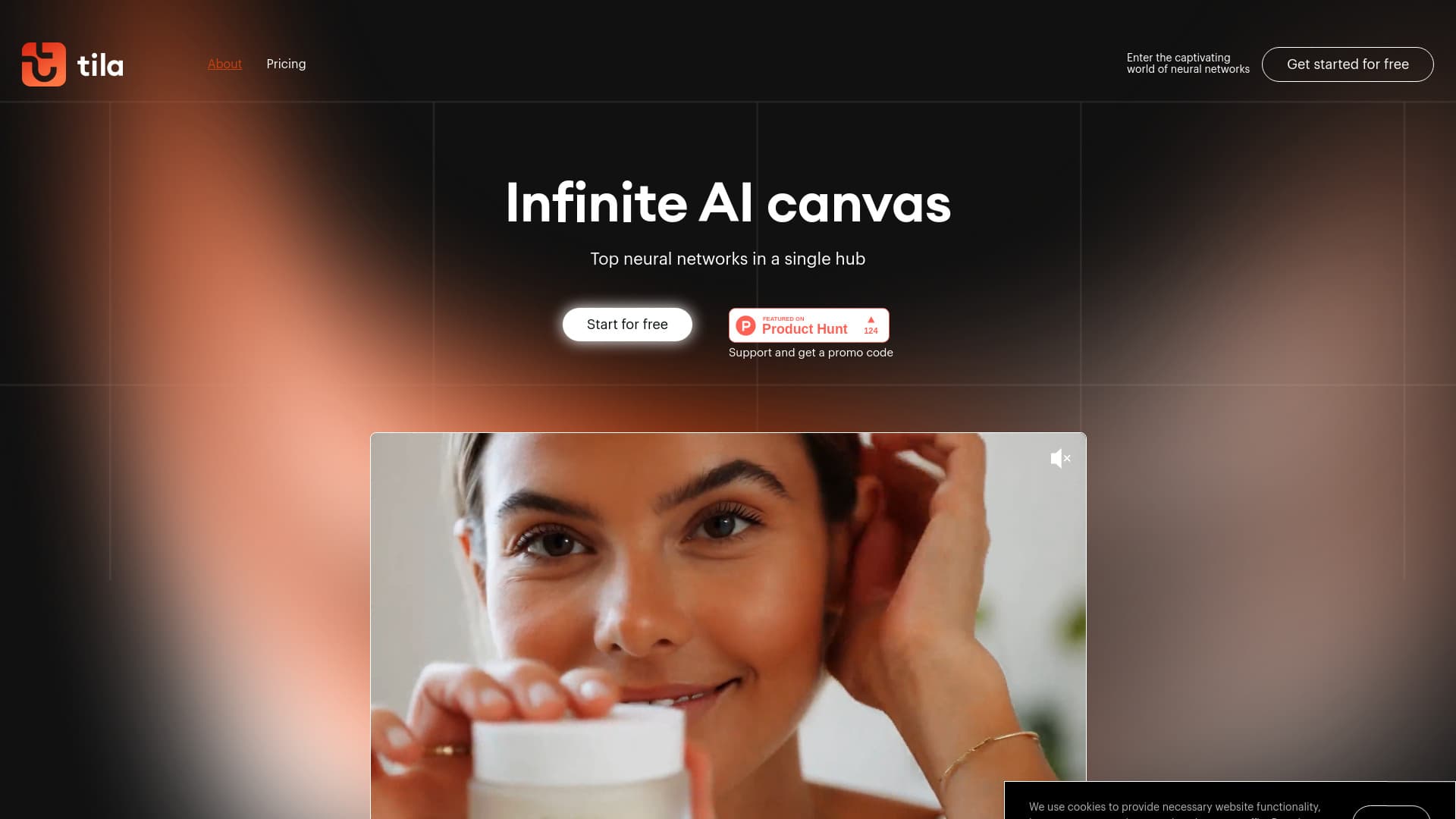
About Tila AI
Tila is an advanced visual AI platform that consolidates multiple AI models and tools into a single, intuitive workspace. It supports creating complex multimodal projects, automating workflows, and enhancing productivity through AI agentic reasoning. With integrations like GPT-4, DALL·E, Kling, Luma, Claude, and Gemini, users can generate, edit, and design across various formats—text, images, videos, and audio—without switching tabs. Tila empowers marketing, app development, and daily tasks with its creative automation capabilities and AI copilot functionalities.
How to Use
Start using Tila by entering prompts into tiles on the unlimited AI canvas. Each tile acts as a personal AI assistant powered by multi-agent reasoning. Drag content onto the canvas to transform formats, such as converting meeting audio into mind maps or turning articles into podcasts. Refine results by editing individual tiles or refreshing the entire sequence. Customize and control apps within Tila for specific tasks and workflows.
Features
- Create and edit images with advanced tools
- An all-in-one visual workspace with multi-agent AI capabilities
- Integrate external services via HTTP API
- Generate and edit text content effortlessly
- Develop applications and run code within the platform
- Produce multimodal content: text, images, videos, and audio
- Add voiceovers and synthesize speech
- Create and modify videos easily
- Automate workflows and AI-driven tasks
- Transcribe audio and video files
- Perform data search, analysis, and visualization
- Generate reports, charts, and diagrams
- Access premium AI models like GPT-4, DALL·E 3, Claude, Gemini, and Luma
Use Cases
- Transform meeting recordings into detailed mind maps
- Convert website articles into engaging podcasts
- Analyze documents, generate content, and create presentations with AI tools
- Design marketing materials such as AI mascots, animated banners, and voiceovers
- Conduct web searches and competitor analysis using AI
- Convert old photos into lively videos
- Turn handwritten notes and sketches into structured documents and charts
- Create realistic virtual photo shoots with AI models and face swaps
Best For
Pros
- Multi-agent reasoning automates complex tasks and streamlines prompt creation.
- Integrates leading AI models into a unified workspace.
- Supports extensive multimodal content creation and transformation.
- Credits for paid plans do not expire monthly.
- Enables API integration for external services and app development.
- Offers a free tier with daily credits and eco-mode access.
- All-in-one visual workspace reduces the need for multiple subscriptions and tab switching.
Cons
- Regional availability may be limited for some AI models due to compliance regulations.
- Mobile version currently supports viewing only, with limited functionality.
- No unlimited plan option is available.
Pricing Plans
Choose the perfect plan. All plans include 24/7 support.
Free Plan
Includes 1 user, 50 credits daily, 1 GB storage, with additional top-up options available.
Get StartedStart Plan
Ideal for small tasks, offering 1,500 credits monthly and 3 GB storage.
Get StartedPro Plan
Suitable for regular use, with 4,000 credits per month and 10 GB storage.
Get StartedPremium Plan
Provides maximum features, including 10,000 credits monthly and 100 GB storage.
Get Started