

TinyStudio
Free Mac application for one-click subtitle creation leveraging M1/M2 chips and OpenAI's Whisper technology.
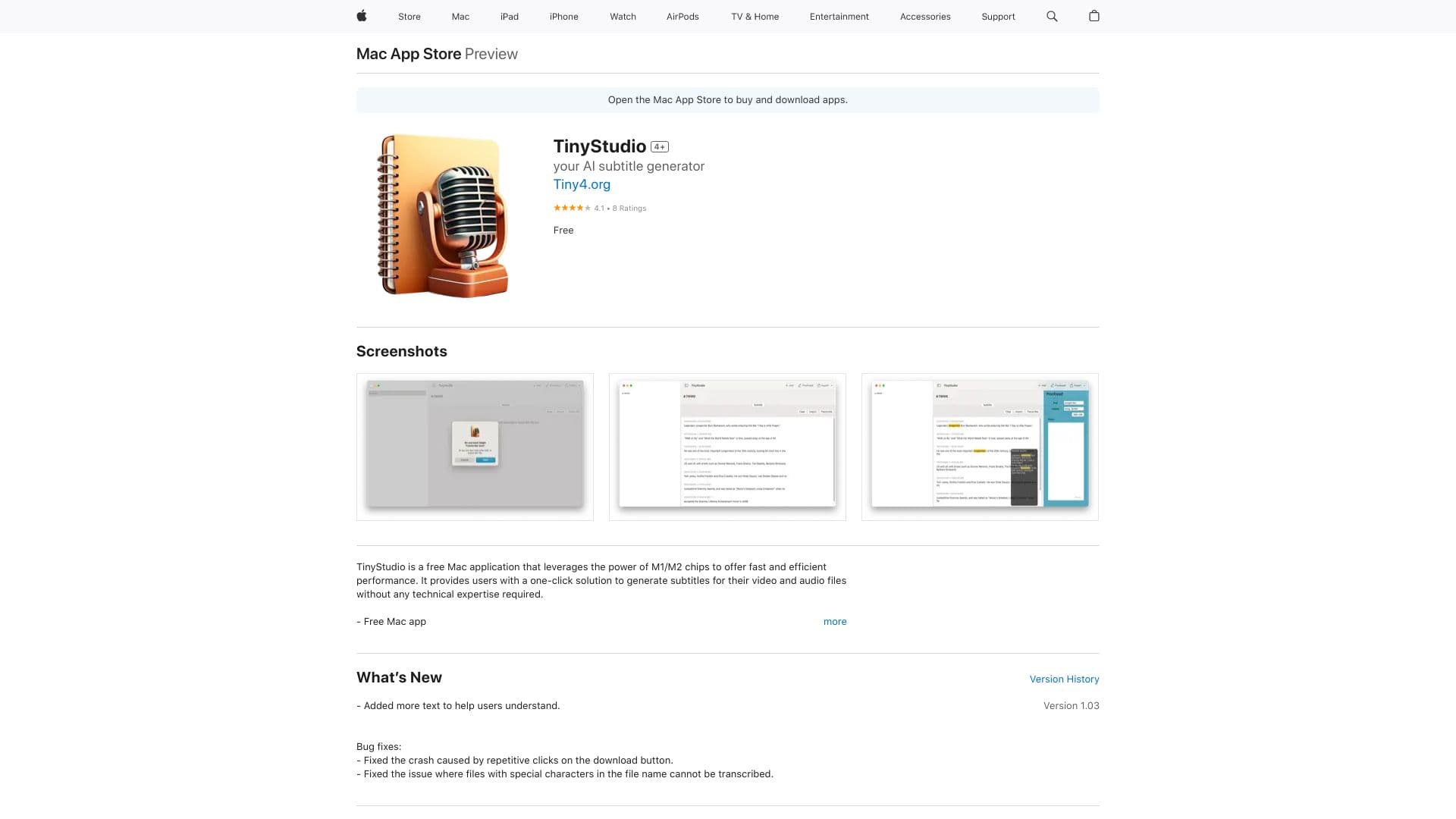
About TinyStudio
TinyStudio is a free Mac application optimized for M1/M2 chips, delivering fast and reliable subtitle generation. It offers a simple, one-click process to create subtitles for videos and audio files without requiring technical skills. Using OpenAI's Whisper technology for local processing, TinyStudio ensures privacy and independence from internet access. It supports importing and exporting subtitles and features a rule-based correction system to enhance accuracy. Designed with an intuitive interface and dark mode, it is ideal for vloggers, marketers, and social media creators seeking efficient video editing tools.
How to Use
Download TinyStudio from the Mac App Store, launch the app, and import your video or audio file. With a single click, the app will generate subtitles automatically. You can then export or edit the subtitles using the built-in correction system.
Features
- Local subtitle processing with OpenAI's Whisper technology
- Optimized for M1 and M2 Apple Silicon chips
- Integrated rule-based subtitle correction
- Intuitive, user-friendly interface
- One-click subtitle creation
- Support for importing and exporting subtitle files
- Dark mode for comfortable editing
Use Cases
- Generating subtitles for vlogs quickly
- Creating subtitles for marketing videos
- Adding subtitles to social media clips
- Transcribing audio files into accurate subtitles
Best For
Pros
- Supports importing and exporting subtitles
- Fast and efficient with M1/M2 chips
- Operates offline without internet dependence
- Completely free to use
- Simple, user-friendly interface
- Built-in rule-based correction system
Cons
- Potential software bugs reported by users
- Available only on Mac platforms
- Requires macOS 13.0 or newer