

TinyVid: Video Compressor, Clean Storage
A free iOS application designed to efficiently compress videos and photos, helping you free up valuable storage space on your iPhone.
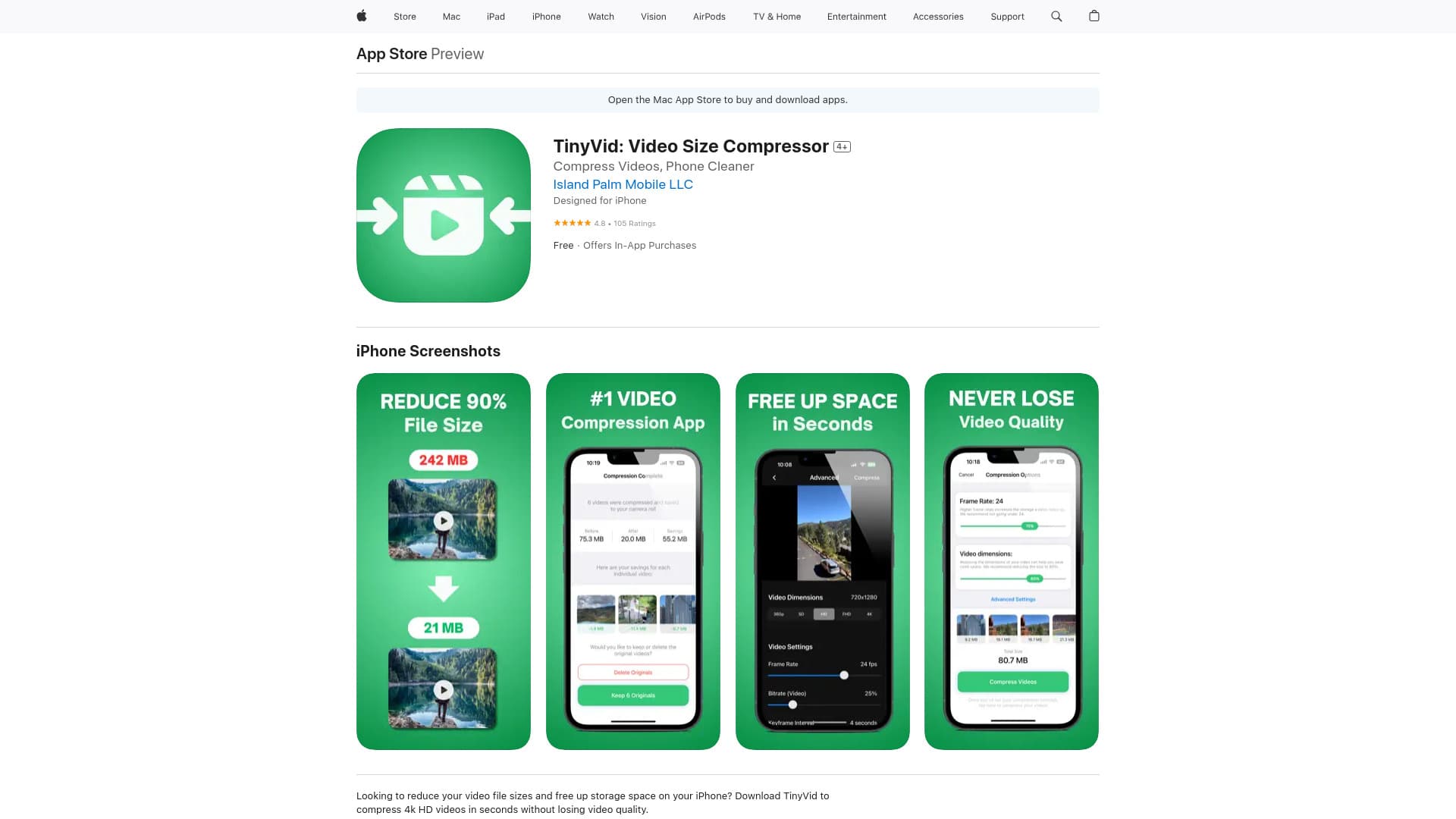
About TinyVid: Video Compressor, Clean Storage
TinyVid is a free iOS app from Island Palm Mobile LLC that swiftly compresses photos, videos, and files in your camera roll. It enables users to significantly reduce their iPhone storage requirements without compromising video quality. Features include compressing 4K HD videos, identifying large videos for compression, and providing an intuitive, ad-free experience without subscriptions or in-app purchases.
How to Use
Open your camera roll within TinyVid, select the video or photo to compress, tap the 'Compress' button, and the optimized file will be saved back to your device automatically.
Features
- AI-powered compression that preserves video quality
- Automatically identifies large videos for easier compression
Use Cases
- Maximize iPhone storage by reducing large video file sizes
- Quickly free up space for new photos and videos
- Manage storage efficiently without deleting content
Best For
Casual video creatorsiPad users managing storageiPhone users seeking space optimizationIndividuals with limited device storagePhoto and video enthusiasts
Pros
- Intuitive, easy-to-use interface
- Completely free without ads or subscriptions
- Maintains high video quality during compression
- Fast processing speeds for quick results
Cons
- Only available on iOS devices such as iPhone and iPad
- Not suitable for professional editing requiring lossless quality
FAQs
Is TinyVid free to download and use?
Yes, TinyVid is completely free with no hidden charges, subscriptions, or ads.
Can TinyVid compress videos without quality loss?
Absolutely. TinyVid uses AI technology to reduce file size without sacrificing video quality.
Which devices are compatible with TinyVid?
TinyVid works on iPhone, iPad, and iPod touch devices running iOS 14.0 or higher.
Does TinyVid support compressing 4K videos?
Yes, TinyVid can compress 4K HD videos efficiently while maintaining quality.
Is there an option to select specific videos for compression?
Yes, you can choose individual videos or photos from your camera roll to compress.