
Toki (Dola AI)
AI-powered calendar assistant that streamlines schedule management through chat interactions.
About Toki (Dola AI)
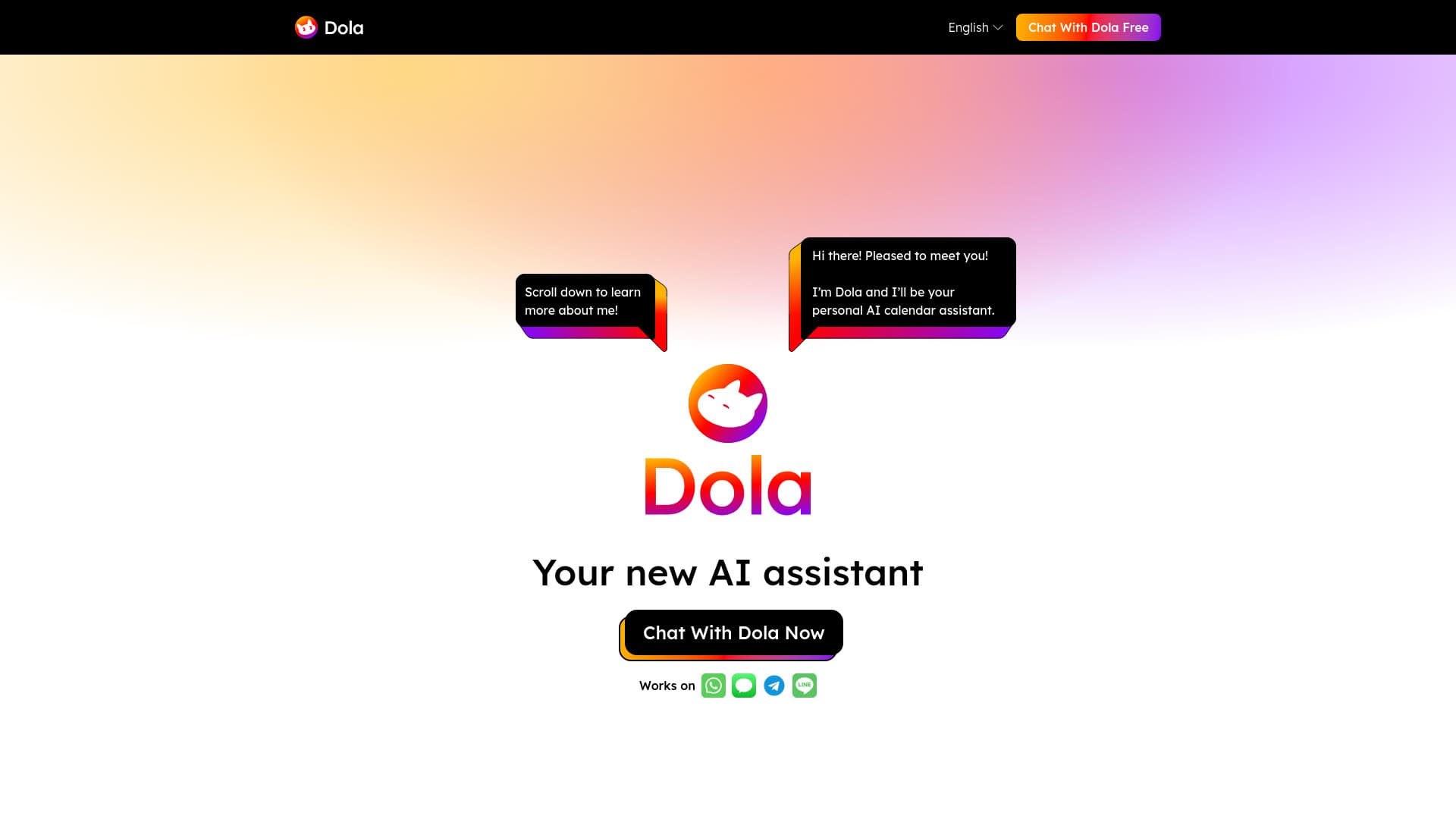
Toki is an advanced AI calendar assistant designed to simplify personal and team schedule management. Utilizing cutting-edge AI technology, it interprets inputs from voice commands, text messages, images, and complex contexts to automatically create and organize calendar events. Toki seamlessly syncs with popular calendar services like Google Calendar and Apple Calendar, acting as a centralized hub for all scheduling needs. Its unique call alert feature ensures users never miss important appointments or events.
How to Use
Users interact with Toki by chatting, speaking commands, sending text messages, or uploading images such as posters or screenshots. This can be done via the Toki app or popular messaging platforms. Toki processes the information using AI to create, modify, or delete calendar entries and reminders, which are synchronized with connected calendars. Users can also ask follow-up questions to adjust or clarify their schedules easily.
Features
- Seamless synchronization with Google Calendar and Apple Calendar
- Supports editing and updating reminders and events through natural language
- AI-driven management of personal and team calendars
- Call alerts for important events and deadlines
- Conversational, chat-like interface for easy interaction
- Transforms voice, text, images, and complex inputs into organized schedules
Use Cases
- Effortlessly organize daily tasks and appointments
- Create events from contextual inputs, including travel time and specific dates
- Reschedule or update appointments via simple text commands
- Set timely reminders for meetings and deadlines
- Automatically add travel bookings and flight details to your calendar
- Manage personal and professional schedules across multiple platforms
Best For
Pros
- User-friendly, chat-like interface for easy scheduling
- Unique call alerts prevent missed events
- Free to use, providing accessible scheduling support
- Supports voice, text, and image inputs for versatile interaction
- Helps users stay on top of important tasks and deadlines
- Accurate and intelligent AI-powered calendar management
- Highly rated for convenience and effectiveness
- Effortless synchronization with Google and Apple calendars
Cons
- No specific disadvantages mentioned in the current content