

Tomat

Tomat

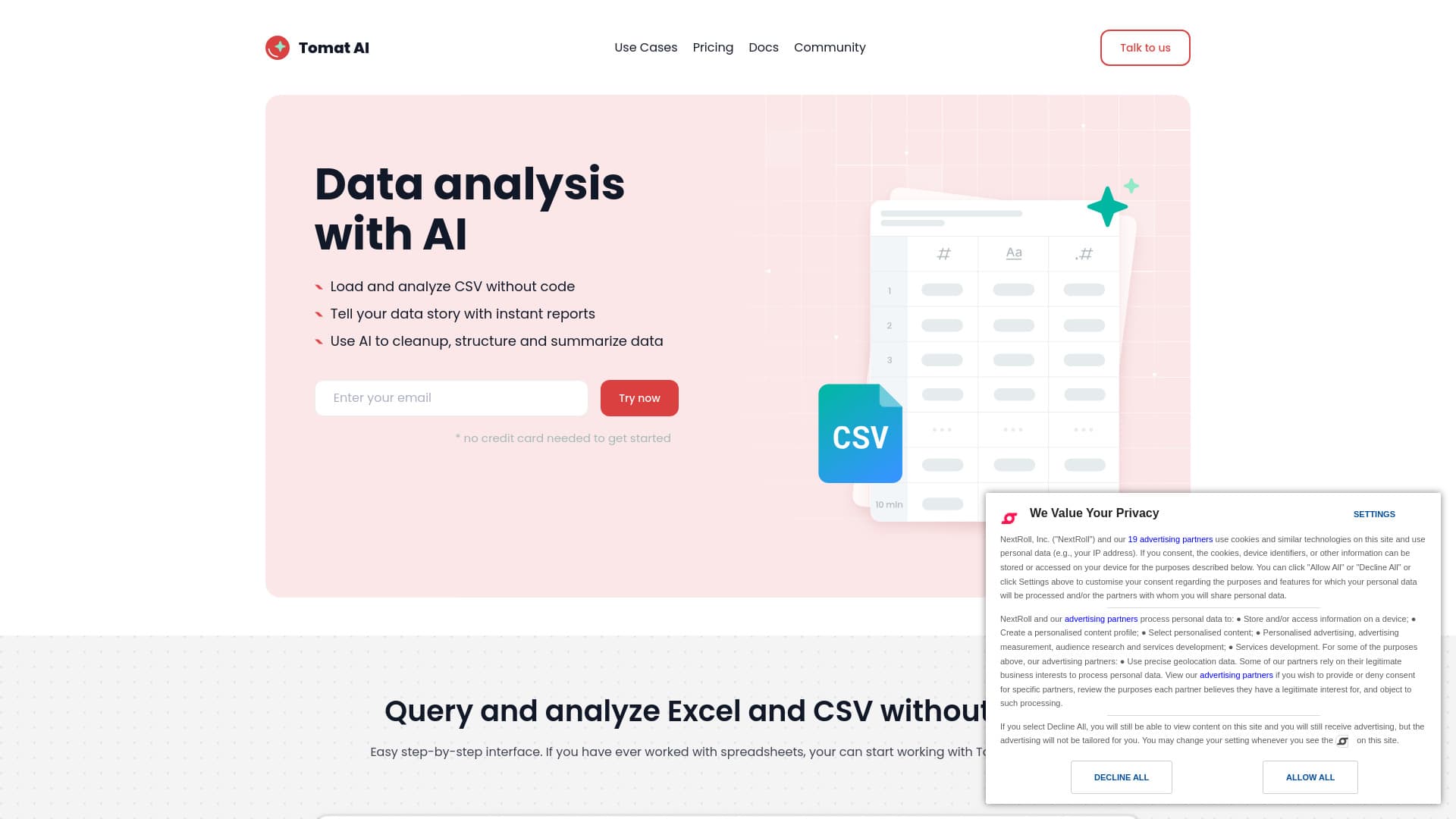
No-code data analytics platform equipped with AI for analyzing CSV and Excel files efficiently.
About Tomat

Tomat.AI is an intuitive no-code data analytics platform that simplifies analyzing CSV and Excel files through a visual, step-by-step interface. It offers advanced features like data cleaning, extraction, summarization, and sentiment analysis powered by AI. Users can generate instant reports, automate workflows, and connect to various data sources without writing any code, enabling efficient data insights.

How to Use

Download and install Tomat.ai, then upload your CSV or Excel file. Use the easy point-and-click interface to add steps for filtering, sorting, and grouping data. Enhance your analysis with AI-powered features by adding AI Column or AI Table steps and describing your desired transformations with natural language prompts.

Features

  • Intuitive visual workflow builder
  • AI-driven data transformation
  • Export and share detailed reports
  • Automated data profiling and cleaning
  • No-code interface for seamless analysis

Use Cases

  • Merging multiple datasets without formulas
  • Leveraging AI for bulk data cleaning and summarization
  • Creating instant, comprehensive data reports
  • Analyzing large CSV files efficiently
  • Automating routine data processing tasks

Best For

Business analystsExcel usersData analystsResearchersMarketing professionalsData scientistsSmall teamsData-driven decision makers

Pros

  • Streamlines repetitive data tasks
  • Compatible with Windows and macOS
  • User-friendly with no coding needed
  • Harnesses AI for advanced data analysis
  • Ensures data privacy by processing locally
  • Handles large files without cloud upload

Cons

  • AI credits require purchase after free trial
  • Team plan pricing requires direct contact
  • Cloud storage options limited to Enterprise plan

Pricing Plans

Choose the perfect plan. All plans include 24/7 support.

Trial

Free

7-day free trial

Get Started
Most Popular

Solo

$7 per month

Single user license

Get Started

Team

Contact us

Pricing for multiple users

Get Started

FAQs

How does the AI feature work in Tomat?
Install Tomat.ai, load your CSV or Excel file, then add the 'AI Column' step to enrich, translate, or analyze your data using natural language prompts. For complex transformations across datasets, use the 'AI Table' step and describe your desired changes.
How can I purchase additional AI credits?
After the trial, upgrade to the Solo plan and select the number of AI credits needed. Visit your account page, choose the Solo plan, and add credits starting from 100,000 for just $5. Buying more credits reduces the cost per token.
How many AI credits will I need for my tasks?
Initial trial provides 30,000 credits. For ongoing use, purchase additional credits via the Solo plan. Usage depends on dataset size, data processed, and response complexity. For typical tasks like summarization or sentiment analysis on datasets with 1,000 rows, 500,000 to 1 million credits usually suffice.
Can Tomat work with other data formats besides CSV and Excel?
Yes, Tomat supports connectors for PostgreSQL, Snowflake, and more. Contact us to access over 450 additional data sources.
What skills are needed to start using Tomat?
If you're familiar with Excel, you can start immediately—no technical skills required. Join our community for support and tips.
Which operating systems are compatible with Tomat?
Tomat.ai works seamlessly on Windows and macOS.
Is Tomat secure for sensitive data?
Absolutely. All processing occurs locally on your device, ensuring your data remains private and under your control.
How is data security maintained when using AI features?
We utilize the official OpenAI API, sending only data you request for analysis or enrichment. Your private data is never uploaded without your consent.