

Toolbar
A comprehensive website feedback platform enabling direct commenting, issue tracking, and seamless team collaboration for enhanced web development efficiency.
About Toolbar
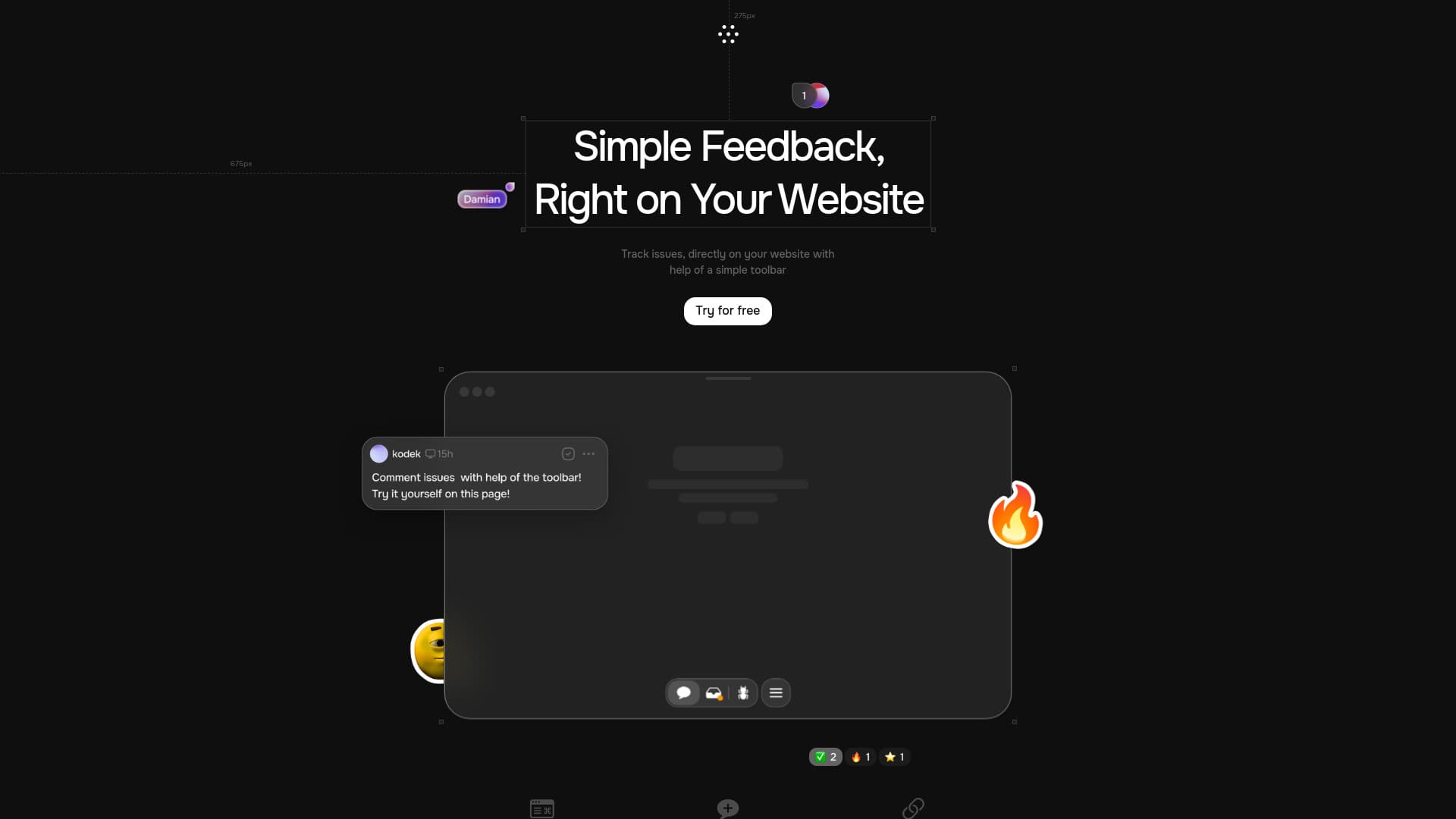
The Toolbar is a powerful website feedback solution tailored for agencies and development teams. It enables users to click, comment, and track issues directly on a website, eliminating the need for emails or screenshots. Developers receive detailed issue reports automatically, accelerating bug resolution. The tool promotes effective collaboration among developers, clients, and stakeholders, streamlining feedback, issue tracking, and task management for faster project turnaround.
How to Use
Integrate the Toolbar into your website. Click on any webpage element to comment, report issues, and track tasks. Share specific issue links to facilitate team collaboration and streamline feedback management.
Features
- AI-driven task resolution for faster fixes
- Detailed issue tracking with automatic context capture
- Seamless integration with task management tools like Jira and Slack
- Shareable links for pinpointing specific issues
- Direct in-browser commenting for real-time feedback
Use Cases
- Managing website updates and enhancements
- Efficient bug detection and resolution
- Collaborating with clients on website changes
- Streamlining agency website feedback
- Improving quality assurance processes
Best For
Pros
- Simplifies the website feedback process
- Automatically provides developers with detailed issue data
- Reduces dependence on emails and screenshots
- Enhances collaboration between teams and clients
- Utilizes AI for quick task resolution
- Integrates easily with existing project management tools
Cons
- Initial setup and integration may be required
- Pricing details are not specified
- Dependence on the toolbar for all feedback