

Torq AI
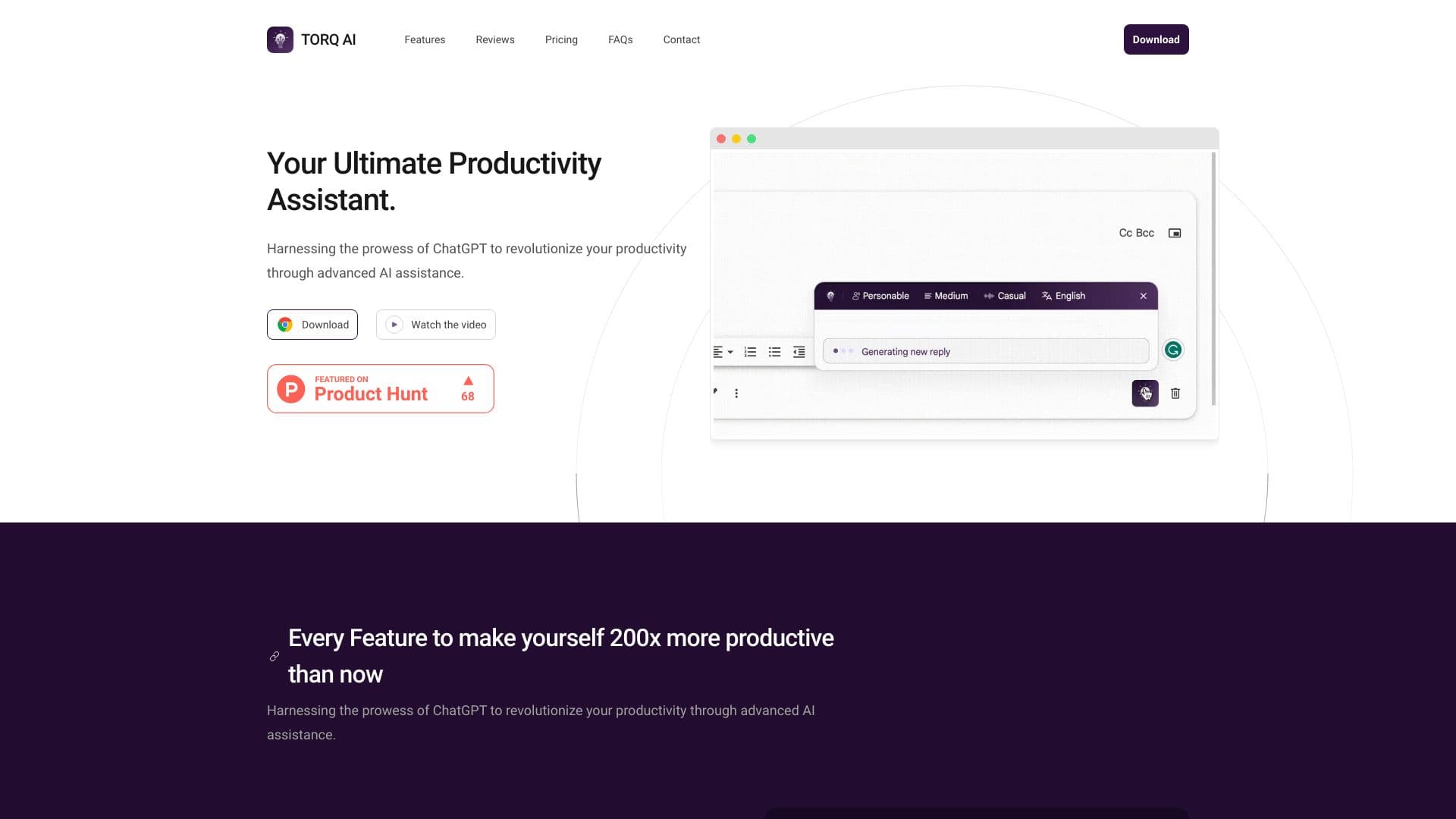
Torq AI is a Chrome extension that leverages artificial intelligence to improve Gmail replies and boost browsing efficiency.
About Torq AI
Torq AI is a powerful Chrome extension designed to streamline your workflow by offering AI-driven quick responses in Gmail and easy access to data during browsing. It transforms how you communicate and search online, significantly enhancing productivity.
How to Use
Download and install the Torq AI Chrome extension. Use it to generate quick replies in Gmail and access data seamlessly while browsing.
Features
- AI-driven browsing assistance
- Advanced text analysis
- Multilingual translation capabilities
- Quick reply generation for Gmail
- Integrated ChatGPT and Google Search functions
Use Cases
- Quick analysis of text content
- Streamlined email communication
- Engaging in dynamic AI conversations
- Real-time website content translation
- Instant search results within chats
Best For
StudentsProfessionalsDigital marketersResearch scholarsAnyone looking to improve email and browsing productivity
Pros
- Boosts browsing efficiency
- Automates email responses effortlessly
- Combines ChatGPT and Google Search for richer information
- Facilitates rapid text analysis and translation
Cons
- Requires Google Chrome browser
- Dependence on external AI services like ChatGPT and Google
- AI-generated responses may occasionally require review
FAQs
What are the main features of Torq AI?
Torq AI provides efficient email replies, AI-powered text processing, language translation, and integrated ChatGPT and Google Search capabilities to enhance your workflow.
In what ways does Torq AI improve productivity?
It automates email tasks, offers quick access to information, and enables dynamic AI conversations, making browsing and communication faster and more efficient.
Is Torq AI compatible with all browsers?
No, Torq AI is exclusively designed for the Google Chrome browser for optimal performance.
Does Torq AI require an internet connection?
Yes, it relies on online AI services like ChatGPT and Google Search to function effectively.
Can I use Torq AI for multilingual translation?
Absolutely, it includes language translation features suitable for multiple languages.
Is there a free version of Torq AI?
Pricing details are not specified; please check the official website for the latest information on free or premium plans.