

Transcribe YouTube Video
A Chrome extension that enhances your YouTube experience with transcription, summarization, and easy navigation tools.
About Transcribe YouTube Video
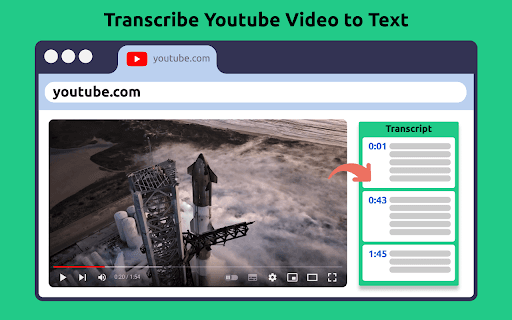
This Chrome extension transforms your YouTube viewing by providing accurate transcriptions, concise summaries, and intuitive navigation options. It uses advanced AI to support multiple languages, enabling quick access to key video content. Ideal for research, content creation, and accessibility purposes, it streamlines how you interact with YouTube videos.
How to Use
Install the extension from the Chrome Web Store, open any YouTube video, then access the extension panel to view transcripts, AI-generated summaries, and timeline navigation. You can also download or copy the text for your convenience.
Features
- AI-driven transcription and summarization
- Downloadable and editable transcripts
- Copy transcripts directly to clipboard
- Timestamp-based navigation for easy browsing
- Supports multiple languages
Use Cases
- Transcribing YouTube videos for research and analysis
- Creating accessible content for non-native speakers
- Summarizing long videos to save time
- Repurposing video content into blog posts or articles
Best For
StudentsContent creatorsEducatorsNon-native English speakersResearchersProfessionals seeking efficient content access
Pros
- Enhances language learning and comprehension
- Supports content repurposing and editing
- Saves time with quick transcription and summaries
- Available for free
- Improves accessibility for diverse audiences
Cons
- Dependent on server and AI processing, which may affect performance
- Summaries might omit some details of the original content
- Transcription quality varies with audio clarity
FAQs
How can I get the transcript of a YouTube video?
Open the YouTube video and click on the extension icon to access the transcript.
Is this extension free to use?
Yes, you can use it at no cost, though it relies on server and AI resources that require funding.
How do I install the extension?
Easily install from the Chrome Web Store by clicking 'Add to Chrome' at the top of the extension page.
How does the extension work?
Simply click the extension icon while watching any YouTube video to generate transcriptions, summaries, and navigation options.
Can it transcribe videos in different languages?
Yes, you can select your preferred language before generating transcripts or summaries, and set a default language for convenience.
Is my privacy protected while using this extension?
Absolutely. Your data remains secure and private during all processing.