

Transkriptor Transcribe Audio to Text
AI-driven browser extension for fast, secure speech-to-text transcriptions across various formats.
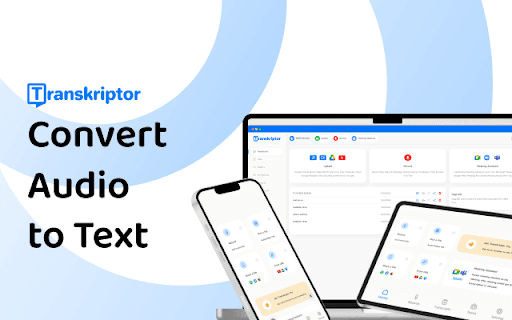
About Transkriptor Transcribe Audio to Text
Transkriptor is an AI-powered speech-to-text browser extension that delivers fast, secure transcriptions in multiple formats. It converts audio files into accurate text, offers subtitle generation, meeting notes automation, and supports over 100 languages. Accessible via mobile app, Chrome extension, and integrated with platforms like Zoom, Microsoft Teams, and Google Meet for seamless workflows.
How to Use
1. Create a Transkriptor account. 2. Upload or record audio directly on the dashboard, or paste a web link. 3. Receive your transcription via email. 4. Edit and export in formats like SRT, TXT, or Word as needed.
Features
- Automatic subtitle creation
- Advanced AI transcription accuracy
- Supports over 100 languages
- Collaborative, remote editing
- Multiple speaker identification
- Meeting notes automation
- Transcribe from web links
Use Cases
- Transcribing meetings, lectures, and interviews
- Enhancing accessibility for the hearing impaired
- Converting voice notes for legal and medical records
- Adding subtitles to videos for greater reach
Best For
EducatorsLegal expertsStudentsHealthcare professionalsResearchersContent creatorsJournalistsBusiness professionals
Pros
- Supports all audio and video formats
- Multiple export options for convenience
- Enables real-time collaborative editing
- Offers free trial for new users
- Integrates with major video conferencing platforms
- Provides fast, high-accuracy transcriptions
Cons
- Requires stable internet connection
- Transcription accuracy varies with audio quality
- Free transcription time is limited
FAQs
How accurate is Transkriptor's transcription?
Transkriptor achieves up to 99% accuracy depending on audio quality and clarity.
What file formats are compatible with Transkriptor?
It supports all common audio and video file formats for seamless transcription.
Is there a free trial available?
Yes, new users receive 90 minutes of free transcription upon signing up.
Can Transkriptor transcribe audio from online links?
Absolutely. It transcribes audio and video content from platforms like YouTube, Google Drive, and OneDrive.
How secure is my data with Transkriptor?
Transkriptor prioritizes data security with encrypted storage and privacy-compliant practices.
Does Transkriptor support multiple speakers?
Yes, it can distinguish and transcribe multiple speakers in a recording.