
Twistly
AI-powered PowerPoint add-in that instantly creates stunning presentations with ease.
About Twistly
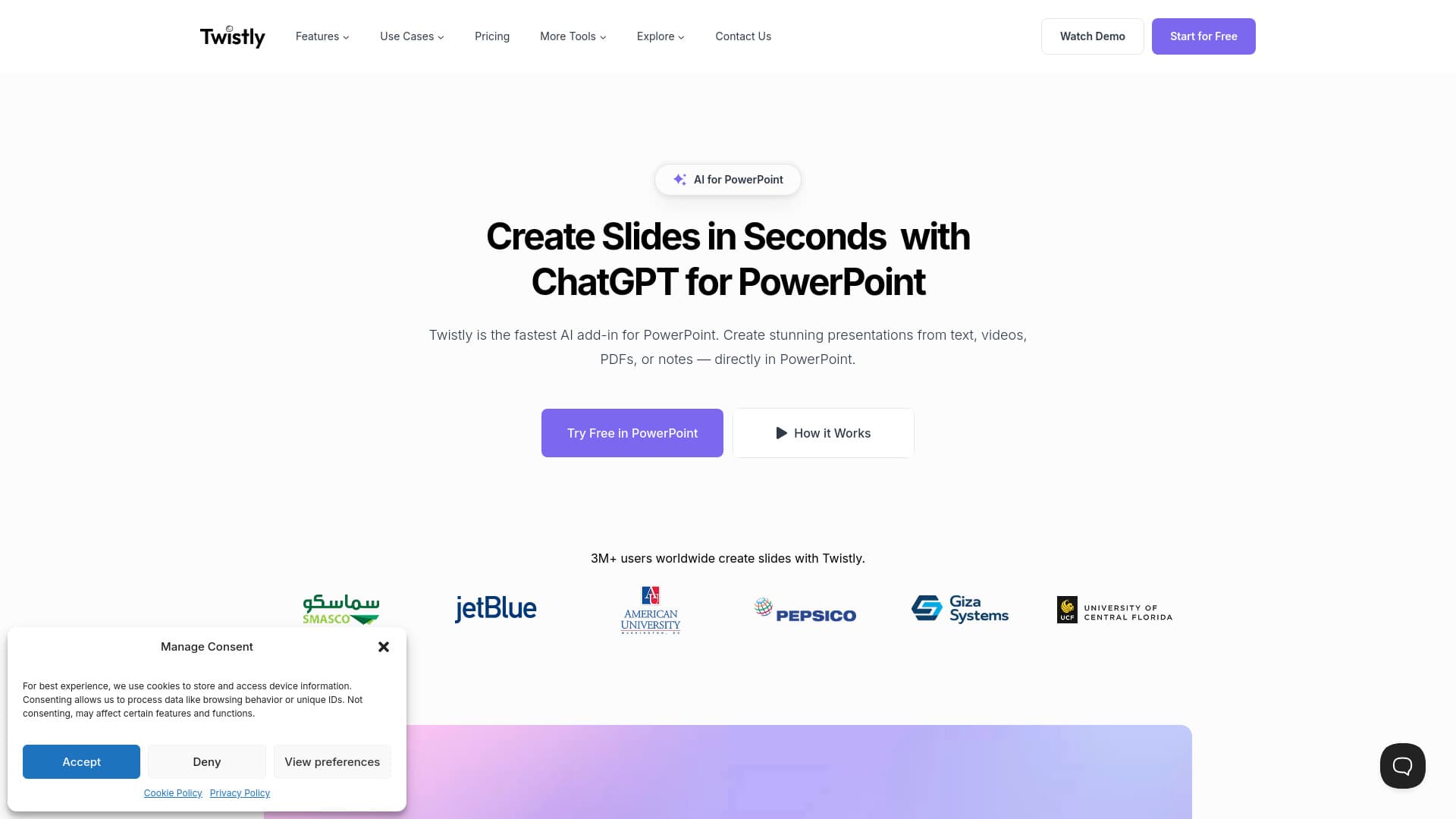
Twistly.ai is the fastest AI-driven PowerPoint add-in that transforms your ideas, notes, documents, or videos into visually appealing presentations instantly. Whether preparing for meetings, classroom projects, or team workshops, Twistly streamlines your workflow by generating professional slides in seconds using integrated ChatGPT technology. Ideal for professionals, students, educators, and teams aiming for efficient and impactful presentations.
How to Use
Open PowerPoint, launch the Twistly ChatGPT add-in from the ribbon, and upload your documents or notes. Type your prompt directly into the tool, review the suggested outline, and select a template. Twistly then instantly generates a polished presentation that you can customize further.
Features
- AI-generated images for slides
- Text-to-presentation conversion
- Video-to-presentation creation from YouTube videos
- Multilingual presentation translation
- Prompt-based slide generation
- Conversion from PDFs, Word, or text files
- Speaker notes creation with AI
- Slide editing and customization
Use Cases
- Turn meeting notes into summaries
- Transform essays into presentations
- Convert lesson plans into visual slides
- Create presentations from class notes
- Summarize textbooks into quick review slides
- Convert research papers into slides
Best For
Pros
- Simplifies complex tasks and shortens the learning curve for creating presentations
- Converts various content formats like PDFs, videos, and text into professional slides
- Trusted by over 3 million users worldwide
- Includes AI-powered image generation, speaker notes, translation, and content enhancement tools
- Generates most presentations in under 30 seconds for maximum efficiency
- Maintains content security by not storing user data
- Works seamlessly within PowerPoint, eliminating the need to switch applications
- Utilizes ChatGPT for high-quality slide creation and content refinement
Cons
- No specific disadvantages are noted in the available information.
Pricing Plans
Choose the perfect plan. All plans include 24/7 support.
Free Trial
Create up to five presentations for free. No credit card required. Perfect for new users testing Twistly’s capabilities before subscribing.
Get StartedStarter
Ideal for students, teachers, and casual users who frequently create presentations.
Get StartedPro
Designed for professionals and teams requiring advanced features for rapid presentation creation.
Get Started