

txtpad
A free, user-friendly online text editor with cloud storage and AI-powered features for seamless writing.
About txtpad
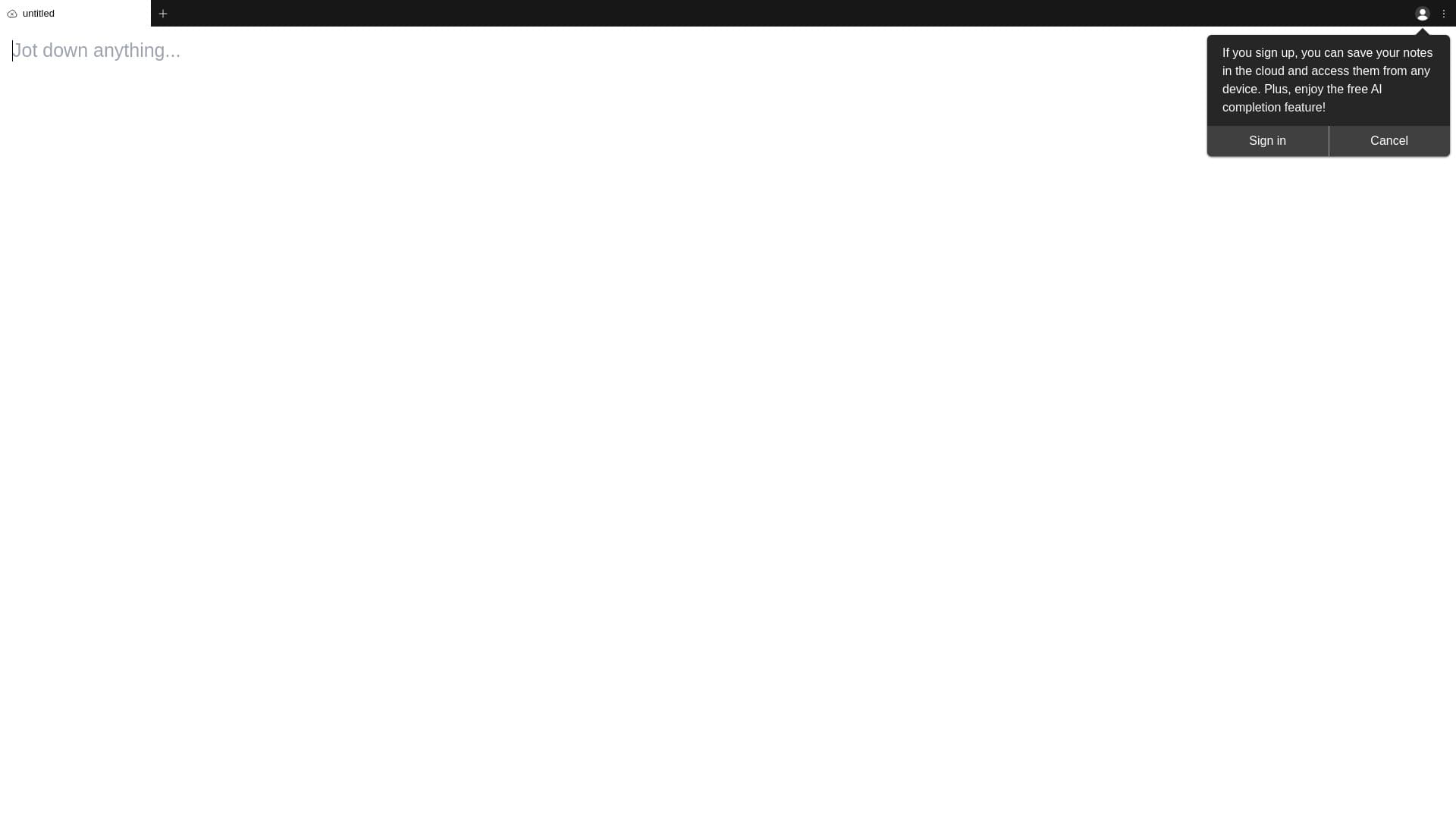
Txtpad is a straightforward online text editing tool accessible via your web browser. It functions like a digital notepad, allowing users to save work locally or in the cloud. Sign up unlocks AI-powered text completion and cloud storage, making it ideal for quick notes, drafts, and writing tasks.
How to Use
Open the website to start typing immediately. Save your work locally or sign up for cloud storage and AI assistance to enhance your writing experience.
Features
- Local browser-based text saving
- AI-powered text suggestions (requires sign-up)
- Free online editing platform
- Cloud storage for saved documents (with sign-up)
Use Cases
- Idea brainstorming
- Quick note-taking
- Writing memos and drafts
- Composing emails or messages
- Creating simple text documents
Best For
JournalistsStudentsWritersAnyone needing quick, simple text editingProfessionals seeking fast note-takingContent creators
Pros
- Intuitive and user-friendly interface
- Supports cloud saving and local storage
- No software installation required
- Completely free to use
- Includes AI-powered writing assistance
- Accessible from any device with a browser
Cons
- Fewer features compared to desktop editors
- Dependent on browser compatibility
- Requires sign-up for cloud storage and AI features
- Limited formatting options
FAQs
What is Txtpad?
Txtpad is a free, web-based text editor designed for quick and easy writing, similar to Notepad or Notes.
How can I save my work?
You can save your text directly in your browser or sign up to store documents securely in the cloud.
What features are available after signing up?
Signing up enables cloud storage for your documents and access to AI-powered text completion features.
Is Txtpad free to use?
Yes, Txtpad is completely free, offering essential editing tools with optional AI and cloud features.
Can I access Txtpad from any device?
Absolutely. Because it’s browser-based, you can use Txtpad on any device with internet access.