

typedesk
Powerful text expander and keyboard automation tool designed to create custom text shortcuts across all applications and websites for increased productivity.
About typedesk
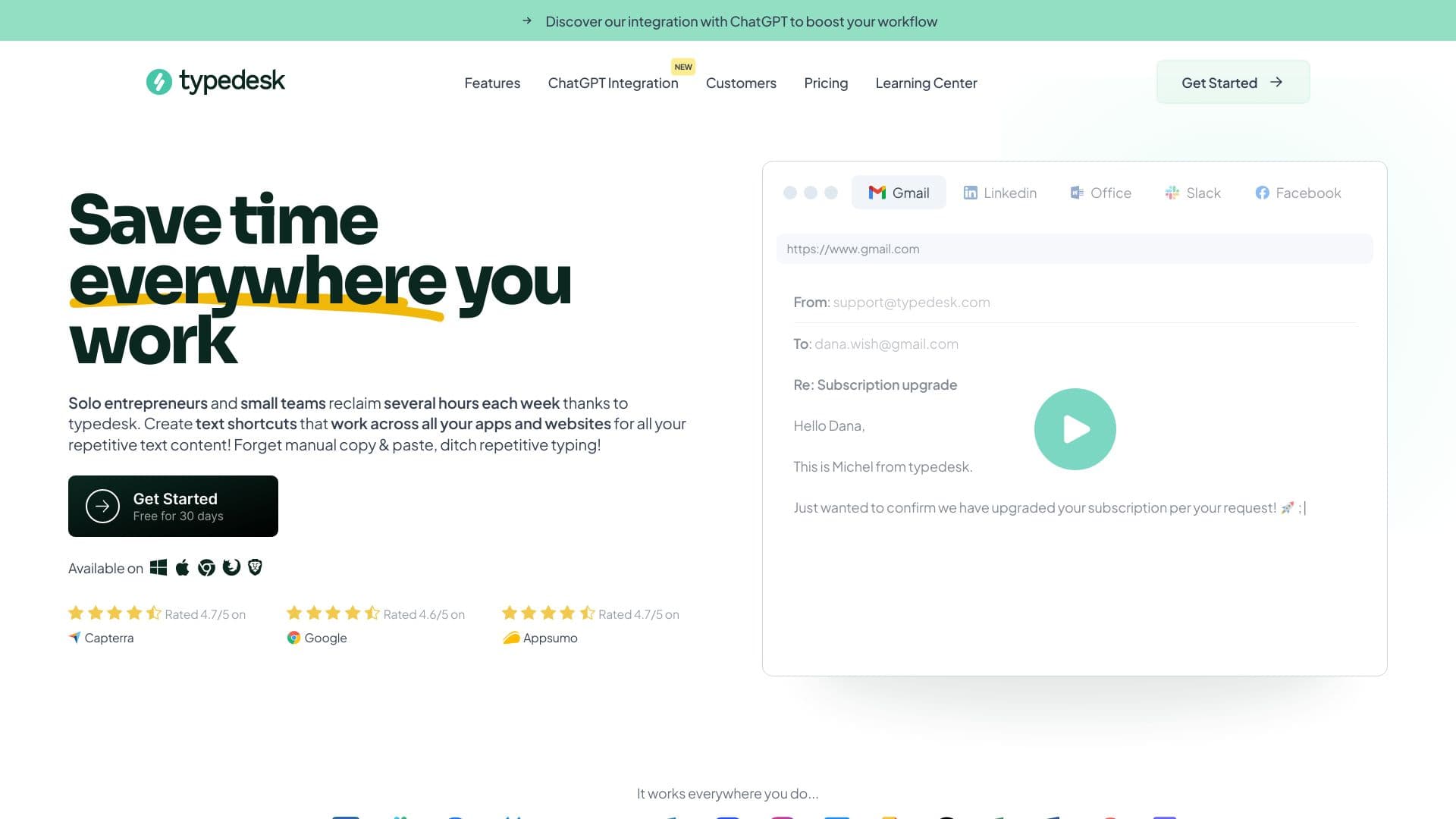
Typedesk is an advanced text expansion and keyboard automation application designed to help solo entrepreneurs and small teams save hours weekly. It enables users to create customizable text shortcuts that work seamlessly across all apps and websites, reducing manual typing and copy-paste tasks. Trusted by thousands of businesses, Typedesk integrates with Gmail, Zendesk, HelpScout, Facebook, and more. Additional features include an AI Prompt Generator and Document Template Generator to streamline your workflow.
How to Use
Create text shortcuts within the Typedesk app. When you type a shortcut in any application or website, Typedesk automatically expands it to the full text. The tool works immediately without requiring complex integrations, making setup simple and fast.
Features
- Collaborative team sharing and synchronization of canned responses
- Universal text expansion across all applications and browsers
- AI-powered Prompt Generator for quick content creation
- Keyboard automation to streamline repetitive tasks
- Dynamic placeholders and variables for personalized responses
- Document Template Generator to standardize documents
- Integration with ChatGPT for advanced AI assistance
Use Cases
- Accountants automating payroll emails and calculations
- Customer support teams using canned responses for rapid replies
- Marketing agencies generating follow-up and email templates
- Legal professionals drafting notices and managing document requests
- Sales teams sending booking links and quotes efficiently
Best For
Pros
- Reduces time spent on repetitive typing tasks
- Compatible with Windows, Mac, and web browsers
- Works seamlessly across over 1,000 apps and websites
- Supports dynamic placeholders for personalized responses
- Ensures message consistency and professionalism
- Includes team collaboration and sharing features
Cons
- Some users experienced issues with software updates, quickly resolved
- Advanced features like SSO and webhooks require an enterprise plan
- Free plan limits the number of templates available
Pricing Plans
Choose the perfect plan. All plans include 24/7 support.
Free
Limited version for initial setup with up to 10 templates, single-use only, with self-help support.
Get StartedPremium
Enhance productivity with unlimited templates, team sharing, OpenAI integration, image uploads, and email support.
Get StartedEnterprise
Designed for teams of 11 or more, offering custom onboarding, SSO, team analytics, webhooks, managed accounts, and dedicated support.
Get Started