
TypeGenius: AI Keyboard App for iPhone
AI-powered keyboard app featuring real-time spell checking, paragraph composition, and text summarization tools.
About TypeGenius: AI Keyboard App for iPhone
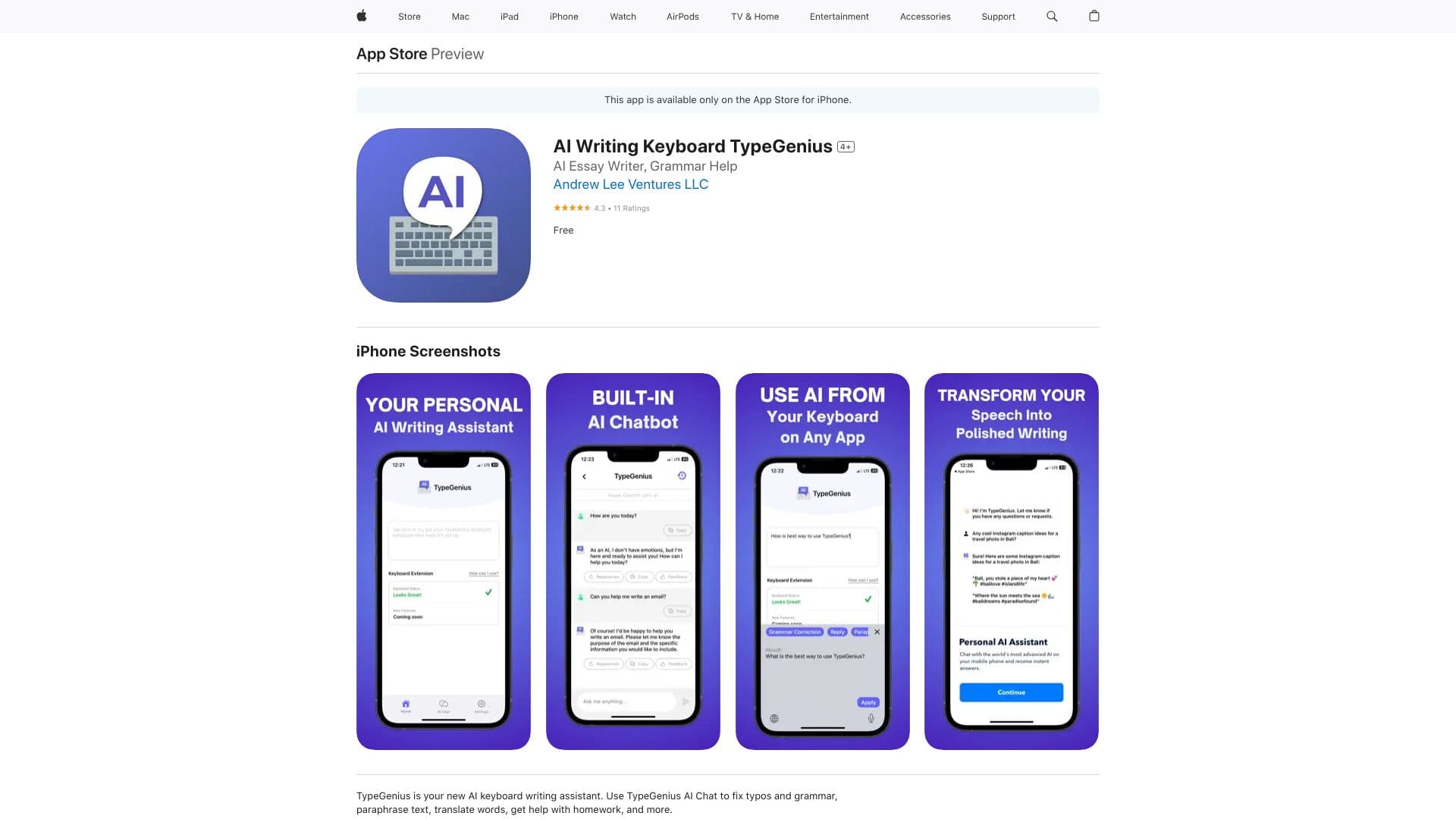
TypeGenius is an innovative AI keyboard for iOS devices that offers built-in spell correction, paragraph creation, and article summarization. Seamlessly integrated into your iPhone's keyboard, it enables AI-driven writing support across all apps. Whether you need to correct typos, paraphrase content, translate languages, or get homework help, TypeGenius makes it accessible directly from your keyboard.
How to Use
To activate TypeGenius, go to your iPhone Settings, select Keyboard > Keyboards, and enable TypeGenius. Once activated, access its features in any app through your keyboard interface.
Features
- Article summarization for quick insights
- Assistive paragraph writing tools
- AI-driven spell checking and grammar correction
- Real-time language translation
- Text paraphrasing for clarity and variety
- Synonym suggestions to enhance writing
Use Cases
- Correct grammar and typos in emails and messages
- Compose essays and blog articles efficiently
- Clarify complex topics with AI explanations
- Enhance responses on dating platforms like Hinge or Bumble
- Translate conversations instantly in multiple languages
- Rephrase text for different contexts and styles
Best For
Social media enthusiastsWriters and bloggersStudents seeking mobile writing aidProfessionals on the goLanguage learners
Pros
- Seamless integration with iPhone keyboard for easy access
- Wide range of AI-powered writing features
- User-friendly setup process
- Supports usage across all iOS apps
Cons
- Accuracy depends on AI model performance
- Requires keyboard access permission, raising privacy concerns
- Limited to iOS devices such as iPhone and iPad
FAQs
How do I activate the TypeGenius keyboard on my iPhone?
Navigate to Settings > Keyboard > Keyboards, then enable TypeGenius to start using it across apps.
Can I use TypeGenius in all iPhone apps?
Yes, TypeGenius works in any app that uses the iOS keyboard, including social media, messaging, and email apps.
What writing features does TypeGenius provide?
It offers spelling and grammar correction, paraphrasing, translation, text summarization, and synonym suggestions.
Does using TypeGenius compromise my privacy?
Granting keyboard access may raise privacy concerns, as data is processed for AI assistance. Review privacy policies accordingly.
Is TypeGenius available on Android or other platforms?
Currently, it is exclusive to iOS devices such as iPhone and iPad.