

Typing Mind
A streamlined user interface for ChatGPT and other AI models, featuring advanced tools and flexible deployment options.
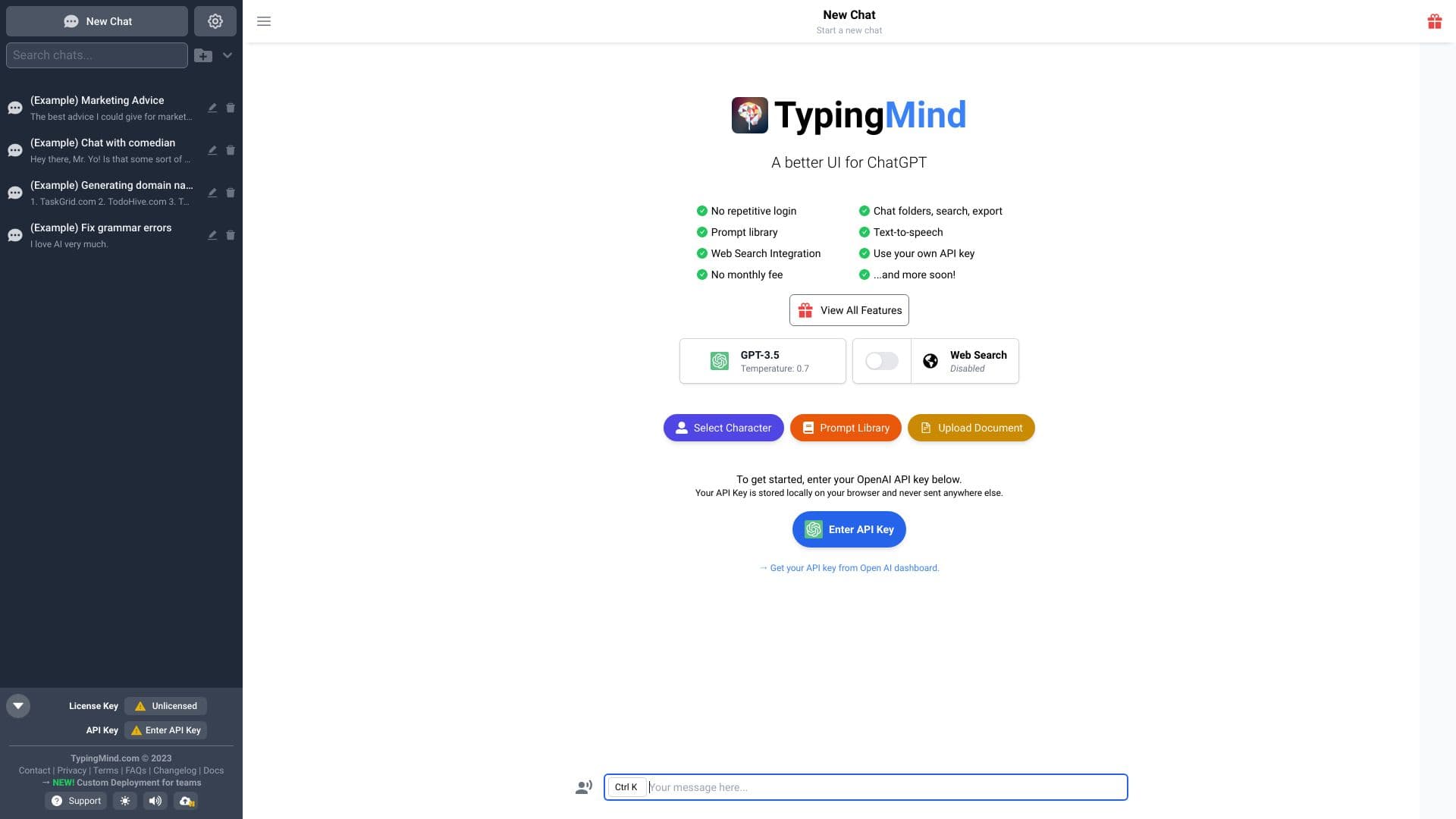
About Typing Mind
TypingMind offers an intuitive interface for engaging with AI models like ChatGPT, Gemini, and Claude. It enhances the chat experience with features such as chat history search, folder organization, integrations, a prompt library, and API key management. Compatible with local browser deployment, macOS apps, and self-hosting options, it provides versatile AI interaction solutions.
How to Use
To get started with TypingMind, obtain an API key from supported AI providers like OpenAI, Google, or Anthropic. Enter your API key into the interface, then begin chatting. The platform offers tools for organizing conversations, managing prompts, and customizing your AI experience.
Features
- Document upload and management
- Organize chats with folders
- Generate images with AI
- Support for multiple AI models
- Integrate with various AI providers (GPT-4, Gemini, Claude, etc.)
- Share chat conversations
- Voice input functionality
- Access to unlimited plugins
- Search through chat history
- Artifact management
- Prompt library for quick commands
- Vision and image support
- Create project folders
- Custom plugin integration
- Web search capabilities
- Text-to-speech conversion
Use Cases
- Creating private AI chat portals for businesses
- Developing internal AI workspaces for teams
- Engaging with AI using your own API keys
Best For
Pros
- Enhanced user interface compared to standard ChatGPT
- One-time license purchase option
- Features for organization and customization
- Multiple deployment methods including browser, macOS app, and self-hosting
- Supports diverse AI models
Cons
- API usage costs are separate from licensing fees
- Requires an API key from a supported AI provider
- Some advanced features are available only in higher-tier plans
Pricing Plans
Choose the perfect plan. All plans include 24/7 support.
Standard
Ad-free experience, essential chat features, access to AI agents, voice input, chat sharing
Get StartedExtended
AI image generation, web search, text-to-speech, vision support, document uploads
Get StartedPremium
Unlimited plugins, project folders, artifact management, multi-model chats, free updates
Get StartedBulk License
Shared license for up to 10 users across 50 devices, including premium features at half price
Get Started