

UIsnapper
Transform UI screenshots into AI prompts for rapid, no-code UI cloning and development.
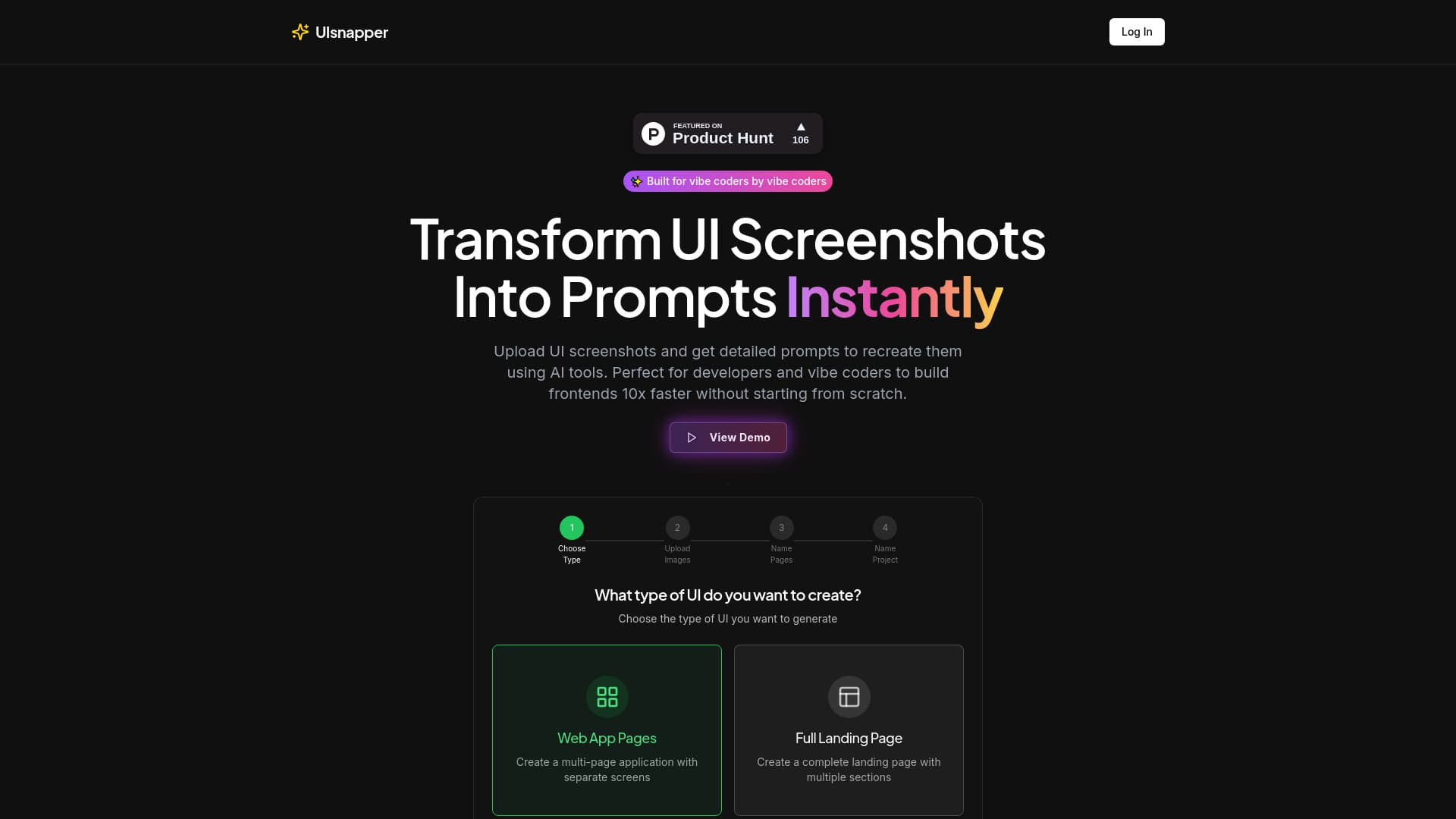
About UIsnapper
UIsnapper converts any user interface screenshot into comprehensive AI-generated prompts, facilitating quick and code-free cloning of websites and apps. It empowers developers and designers to accelerate front-end creation by transforming visual designs into actionable prompts for AI tools like Cursor, Lovable, and v0, streamlining the UI development process.
How to Use
Select the desired UI type, such as Web App Pages or a full Landing Page. Upload your UI screenshots, then assign names to pages and your project. UIsnapper processes these images to generate detailed prompts, which can be used with AI tools to accurately recreate user interfaces.
Features
- UI Analysis: Upload any UI screenshot to receive detailed insights into colors, typography, spacing, and component layout.
- Prompt Generation: Automatically create precise prompts for use with AI tools to replicate UI elements exactly.
- Interactive Chat Support: Refine designs with an AI assistant that understands your UI context and answers specific questions.
Use Cases
- Recreating UI designs with AI tools like Cursor, Lovable, and v0.
- Analyzing UI screenshots for key design components such as colors, fonts, and layout structure.
- Cloning websites and applications without writing code.
- Accelerating front-end development by 10x without starting from scratch.
Best For
Pros
- Enables rapid, no-code cloning of websites and applications.
- Generates tailored UI prompts for AI-based recreation.
- Supports mobile-first design workflows.
- Specifically optimized for UI development tasks.
- Provides detailed visual design analysis.
- Speeds up front-end creation by ten times.
- Facilitates component and structure generation.
Cons
- Not suitable for general AI coding or broad chat functionalities beyond UI analysis.
Pricing Plans
Choose the perfect plan. All plans include 24/7 support.
Pro Plan
Includes unlimited UI analysis, advanced prompt generation, priority support, beta chat follow-up, download options, and comprehensive development documentation.
Get Started