

Unfold AI
AI-powered coding assistant designed to provide real-time bug fixes and error resolutions for developers.
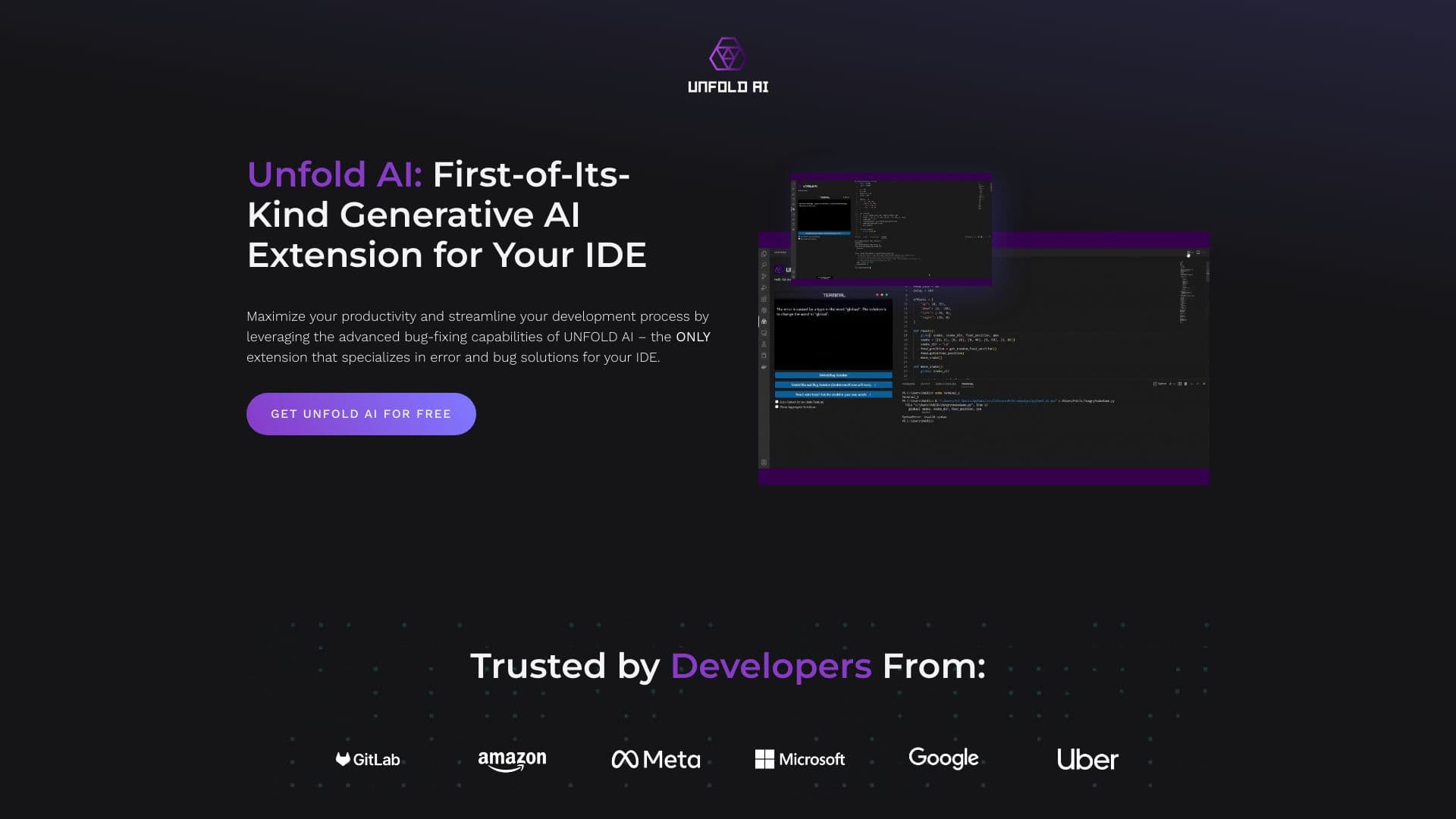
About Unfold AI
UnfoldAI is an AI-driven coding assistant that provides instant bug detection and error resolution within your IDE. It features automatic error monitoring, manual error reporting, code completion, and natural language queries. Designed to boost development speed, UnfoldAI streamlines bug fixing and error management for developers.
How to Use
Install the UnfoldAI extension from the VS Code marketplace. It automatically detects terminal errors and suggests solutions. You can also manually report errors or attach code snippets for more accurate assistance. Click the 'Unfold Bug Solution' button to initiate AI processing and view solutions directly in the IDE.
Features
- Real-Time Error Detection and Fixes
- Natural Language Queries to AI Model
- Intelligent Code Autocompletion
- Manual Error Reporting
- View Consolidated Error Solutions
- Automatic Error Monitoring
- Attach Code Snippets for Precision
Use Cases
- Instantly fix bugs during active development
- Accelerate coding with intelligent autocompletion
- Seamlessly identify and resolve code issues
Best For
Pros
- Supports both automatic and manual error handling
- Specialized in efficient bug fixing and error resolution
- Seamless integration with VS Code
- Provides instant, real-time error solutions
- Enables natural language interaction with AI
Cons
- Currently available only for VS Code on Windows; Linux and macOS support coming soon
- Collects metadata for improvements, which may raise privacy concerns
- No guaranteed 100% accuracy in error resolution
Pricing Plans
Choose the perfect plan. All plans include 24/7 support.
Free Version
Automatically detects errors, allows manual error reporting, supports natural language queries, displays aggregated solutions, and enables code attachment.
Get StartedPro Version
Features AI trained specifically for your code, unlimited usage without OpenAI registration, advanced QA tools, and performance enhancements. Offers faster, smarter error handling.
Get Started