

UniFab All In One
An AI-powered video processing platform designed for professional editing, enhancement, and optimization of video and audio content.
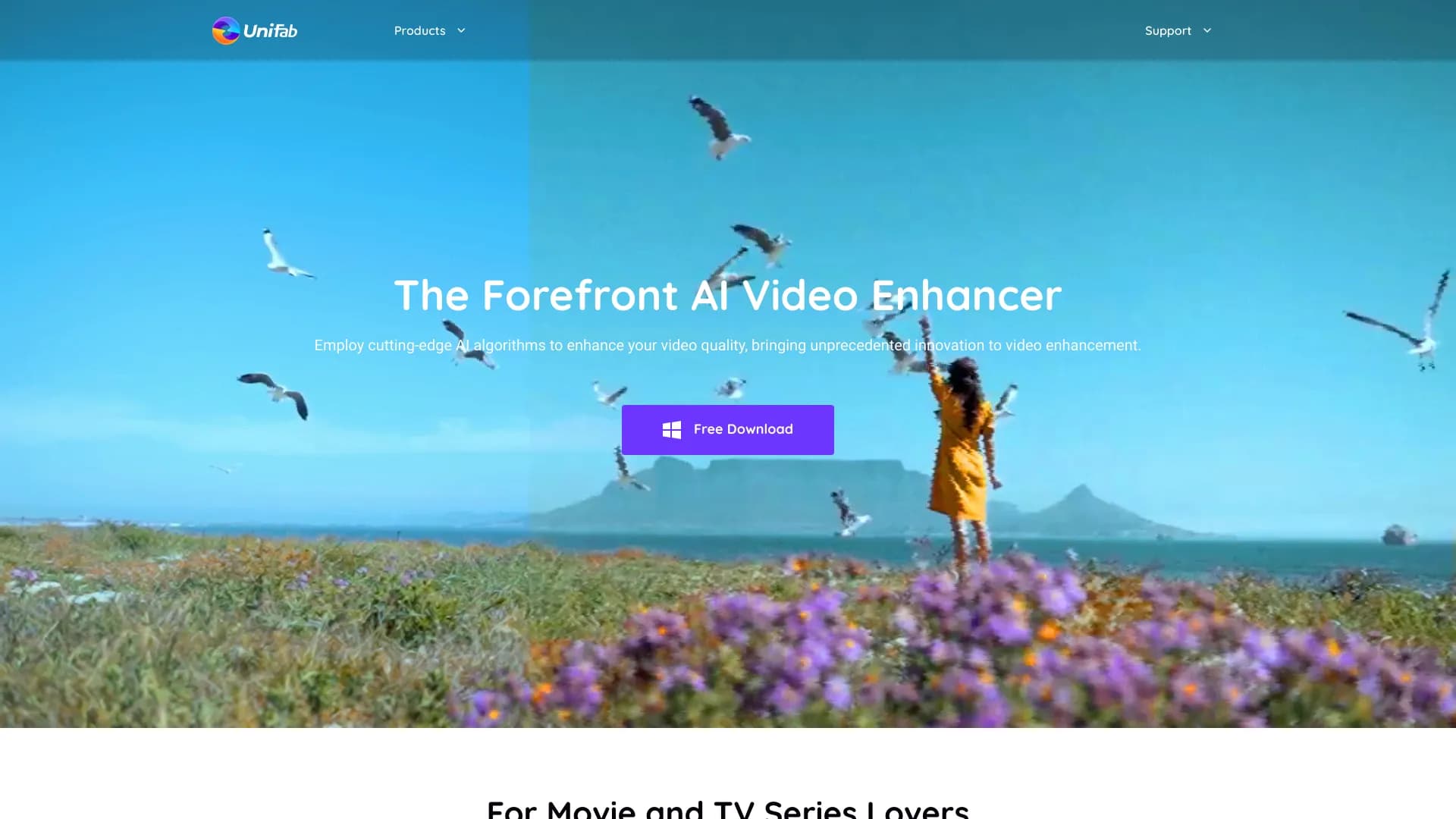
About UniFab All In One
UniFab is a comprehensive AI-driven video processing suite offering eight powerful tools to enhance, edit, and convert videos with ease. It supports upscaling resolution up to 4K, transforming audio to DTS 7.1 surround sound, and converting videos across formats. With advanced AI capabilities, UniFab streamlines video and audio enhancement for professionals and enthusiasts alike.
How to Use
Download and install UniFab, then import your video or audio files. Choose the desired AI or editing tool, adjust settings as needed, and initiate processing. The intuitive interface supports batch processing for efficient workflow.
Features
- AI-driven video upscaling up to 16K resolution
- AI-based video colorization
- Vocal removal for karaoke and editing
- Built-in screen recording
- AI HDR upconversion for enhanced dynamic range
- AI-supported video stabilization
- Comprehensive video editing tools
- Background removal for videos
- AI-powered deinterlacing
- Upmix audio to DTS 7.1 surround sound
- Extensive format support (over 1000 formats)
- AI-generated subtitles
- Face enhancement with AI technology
- AI denoising for cleaner audio and video
Use Cases
- Enhance videos to cinematic quality with improved resolution, colors, and frame rates.
- Restore vintage footage by removing noise and improving color accuracy.
- Convert videos into multiple formats for sharing, editing, or storage.
- Create karaoke tracks by removing vocals from audio files.
Best For
Video archivistsFilmmakersHome content creatorsVideo editorsAudio engineersContent creatorsVideographers
Pros
- Intuitive and user-friendly interface
- Supports batch processing for efficiency
- Offers a full-featured free trial
- Compatible with over 1000 video and audio formats
- Includes a satisfaction-backed money-back guarantee
- All-in-one AI-powered video and audio tools
Cons
- Refunds are limited to specific conditions
- High system requirements for AI face enhancement
- License duration begins at purchase date, not activation
FAQs
What does the free trial of UniFab include?
The trial lasts 30 days, providing full access to all features without watermarks, with three trial runs per module to evaluate the software thoroughly.
What is UniFab’s refund policy?
A 7-day money-back guarantee applies to monthly plans, while yearly and lifetime plans are eligible for a 14-day refund.
What are the recommended system specifications for optimal performance?
For best results, use Windows 11/10 (64-bit), with at least 16GB RAM, Nvidia RTX 30 series GPU or higher with 8GB VRAM, and an Intel i7 8th gen or AMD Ryzen 3000 series CPU.
Can UniFab process videos in batch mode?
Yes, UniFab supports batch processing, allowing multiple videos or audio files to be processed simultaneously for greater efficiency.
Does UniFab support converting videos to different formats?
Absolutely. UniFab offers conversion capabilities across more than 1000 formats, making it easy to prepare videos for various platforms and devices.