

Upscale.media
AI-powered tool for free image upscaling and enhancement, compatible with various formats.
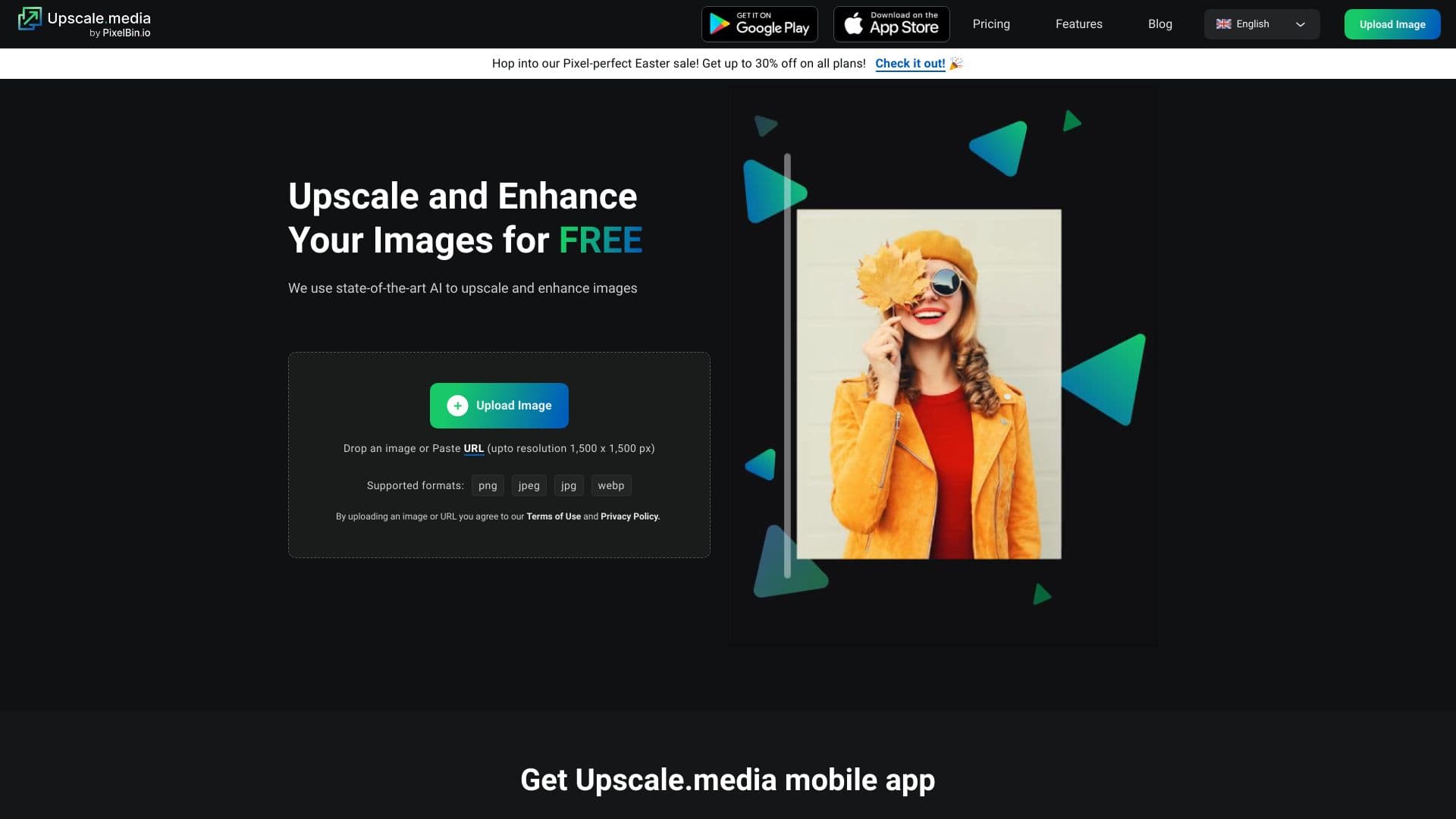
About Upscale.media
Upscale.media is an AI-driven image upscaling platform that enables users to enlarge and improve images for free. It automatically increases resolution up to 4 times without losing quality, removes JPEG artifacts, and prevents pixelation or blurriness. Supported formats include PNG, JPG, JPEG, WEBP, and HEIC. For bulk processing and commercial use, PixelBin.io offers advanced solutions.
How to Use
Upload your image on the Upscale.media website or app. The AI automatically improves the resolution. Select upscaling options of 2x, 4x, or 8x. Download the enhanced image in a few clicks.
Features
- AI-powered image upscaling for sharp results
- Removes JPEG compression artifacts
- Supports bulk processing via PixelBin.io
- Compatible with multiple image formats for versatility
Use Cases
- Enhance photos for professional photography
- Improve low-resolution images for printing
- Optimize product images for e-commerce
Best For
Digital artistsE-commerce sellersReal estate professionalsPhotographersContent creatorsDesigners
Pros
- User-friendly interface for quick results
- Supports a wide range of image formats
- Free for basic image upscaling needs
- AI-driven enhancement for superior quality
Cons
- Bulk processing requires PixelBin.io subscription
- Resolution limits for free accounts
- Commercial use may need a paid plan
Pricing Plans
Choose the perfect plan. All plans include 24/7 support.
FAQs
What is Upscale.media?
Upscale.media is an AI-powered image enhancement platform that enlarges and improves image quality effortlessly. It offers high-quality upscaling suitable for individuals and businesses.
Is Upscale.media free to use online?
Yes, you can enhance and upscale images for free directly on Upscale.media. For commercial or professional needs, PixelBin.io offers paid subscription plans.
Which image formats are supported?
Upscale.media supports PNG, JPG, JPEG, WEBP, and HEIC formats for seamless image processing.
How can I process images in bulk or for commercial purposes?
Use PixelBin.io for bulk and commercial processing. It provides real-time image transformations, URL access, and storage options for your media library.
What is the maximum image resolution and file size?
The maximum supported resolution is 10,000 by 10,000 pixels, with file sizes up to 25 MB.
How do I improve image quality online?
Visit Upscale.media, upload your image, select your desired upscaling factor, and download the enhanced result within seconds.