

Vance Video AI
Comprehensive AI-powered video enhancement tool for upscaling, smoothing, denoising, and more.
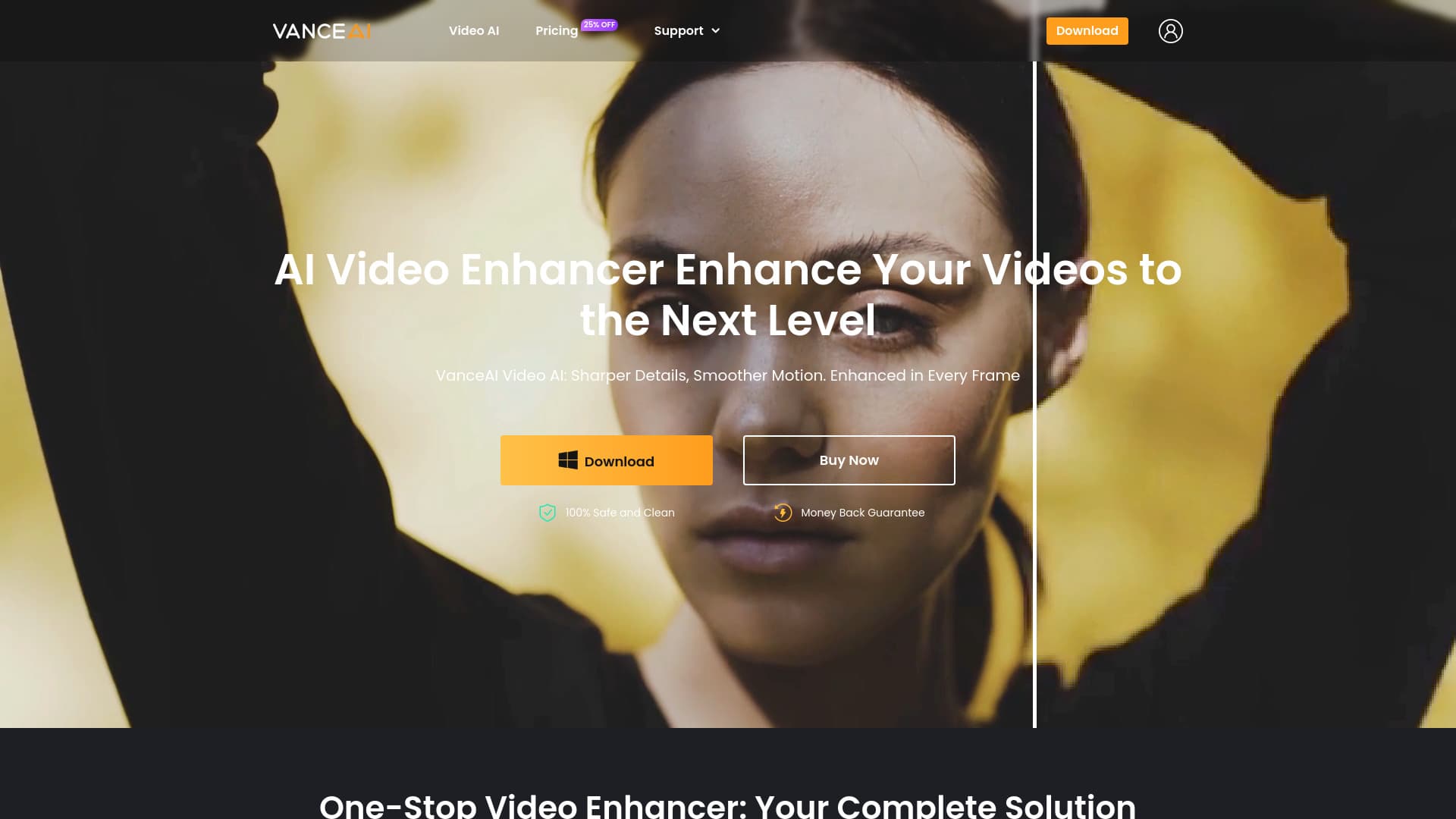
About Vance Video AI
VanceAI Video AI is an all-in-one professional platform that leverages artificial intelligence to improve video quality. It includes features such as upscaling to 4K or 8K, smoothing, deinterlacing, denoising, stabilization, and converting SDR videos to HDR. Designed for ease of use, it offers GPU acceleration and high automation for quick, high-quality results.
How to Use
Download the Video AI application, log in with your purchased account to authorize the software on your PC, and select the desired AI tools to improve your videos. Free trial options are available before purchasing.
Features
- Video smoothing up to 120 FPS
- Converts SDR videos to HDR
- Deinterlaces interlaced videos
- Removes noise and grain
- Supports batch processing
- Upscales videos to 4K and 8K resolution
- Stabilizes shaky footage
Use Cases
- Editing videos with rotation, cropping, and color correction
- Transforming SDR footage into immersive HDR videos
- Stabilizing handheld or action camera footage
- Deinterlacing older videos for modern HD displays
- Upscaling low-resolution videos to ultra HD quality
- Enhancing videos by smoothing low frame rate footage
- Removing noise from old or poorly lit videos
Best For
FilmmakersContent creatorsHobby video editorsYouTubersVideo production teamsSports videographersMedia reviewers
Pros
- User-friendly interface with high automation
- Offers free trial to test features
- Supports bulk video processing
- Includes a wide range of AI-powered video tools
- Accelerated processing with GPU support
Cons
- Requires a subscription for full access
- Compatible only with Windows 10 or 11 (64-bit)
- Optimal performance needs at least 16GB RAM and an Nvidia RTX 30 series GPU with 8GB VRAM
Pricing Plans
Choose the perfect plan. All plans include 24/7 support.
FAQs
Can I test VanceAI Video AI for free before purchasing?
Yes, you can download the free trial and access up to three free uses within one month.
How do I use the Video AI software after purchasing?
Register an account by setting a password or using your Gmail, then download the client, log in with your account, and start enhancing videos.
Can I cancel my subscription anytime?
Yes, you can cancel whenever you wish. You will retain access until the end of your billing cycle, with no refunds for that period.
What is VanceAI Video AI used for?
It is an all-in-one platform for enhancing video quality, featuring tools like upscaling, smoothing, deshaking, deinterlacing, and HDR conversion.
What are the hardware requirements for optimal performance?
For best results, use a Windows 10 or 11 (64-bit) computer with at least 16GB of RAM and an Nvidia RTX 30 series GPU with 8GB VRAM.