

VCut
AI-driven video editing tool that enables fast and effortless video creation.
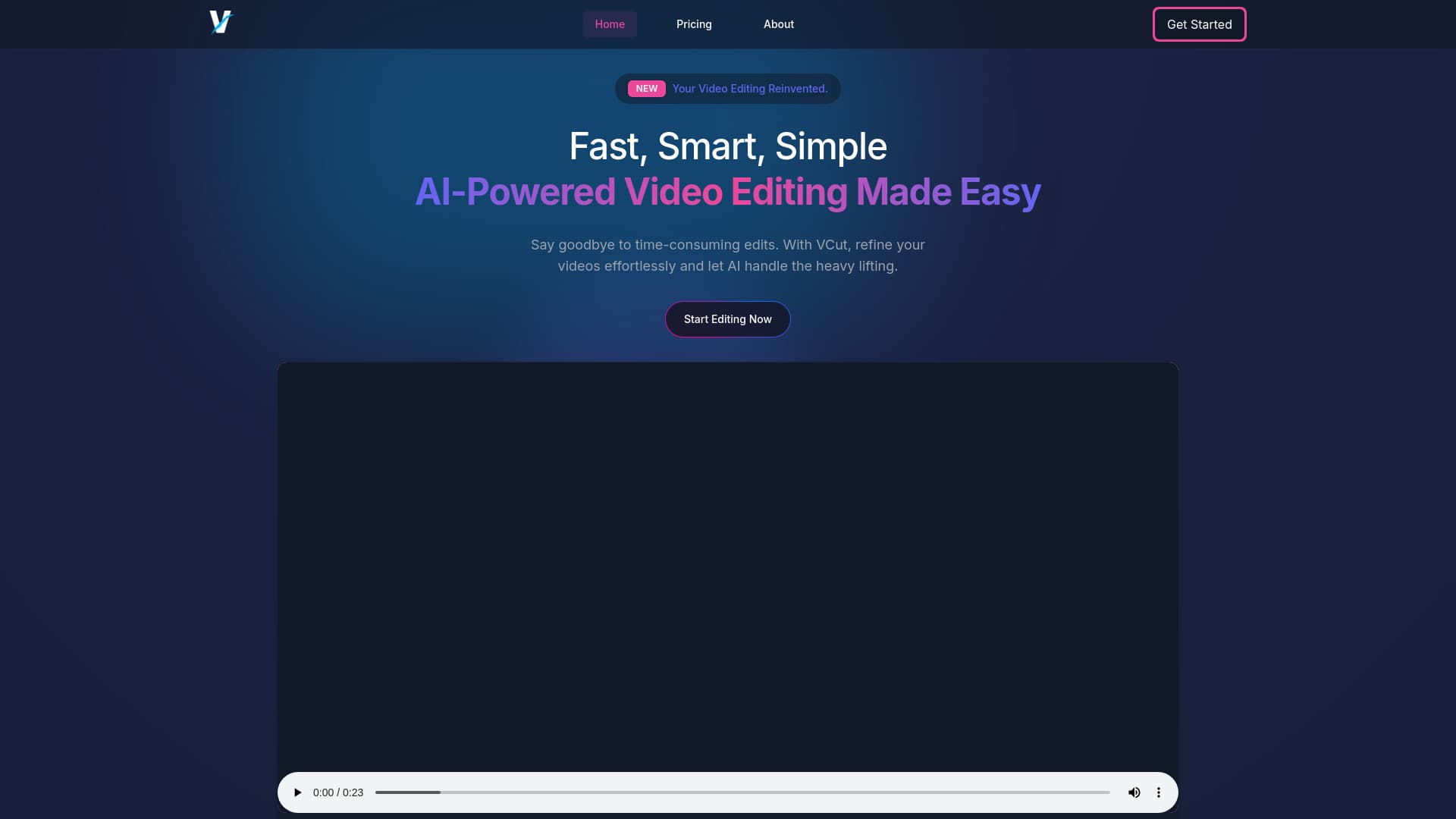
About VCut
VCut.lol is an AI-powered video editor designed for instant results. It simplifies editing by automatically removing mistakes, adding captions, and enhancing videos for social media. Save time and improve content quality effortlessly, regardless of your editing experience.
How to Use
Record videos directly within the app or upload existing footage. The AI then automatically trims, enhances, and edits your videos with minimal effort, requiring just a few clicks.
Features
- Automatic filler word removal
- Video quality enhancement
- Auto-trimming of clips
- Built-in caption generation
- AI-driven editing automation
Use Cases
- Quickly edit talking head videos to highlight key moments.
- Finalize and export videos with minimal effort.
- Instantly remove filler words and errors from recordings.
Best For
Pros
- Improves overall video quality
- Automated AI editing process
- Free plan available
- Reduces editing time significantly
- User-friendly for beginners
Cons
- Some features are still in development
- Free plan includes watermarks and limits
- Limited customer support on free and casual tiers
Pricing Plans
Choose the perfect plan. All plans include 24/7 support.
Free
Basic editing features, 5-minute upload limit, 3 exports monthly, includes watermark, no support.
Get StartedCasual
Includes basic editing, 15-minute upload limit, 15 exports per month, no watermark, captioning features, no support.
Get StartedProfessional
Full feature access, 30-minute upload limit, 30 exports monthly, no watermark, captioning tools, upcoming features, 24/7 support.
Get Started