

Video AIditor
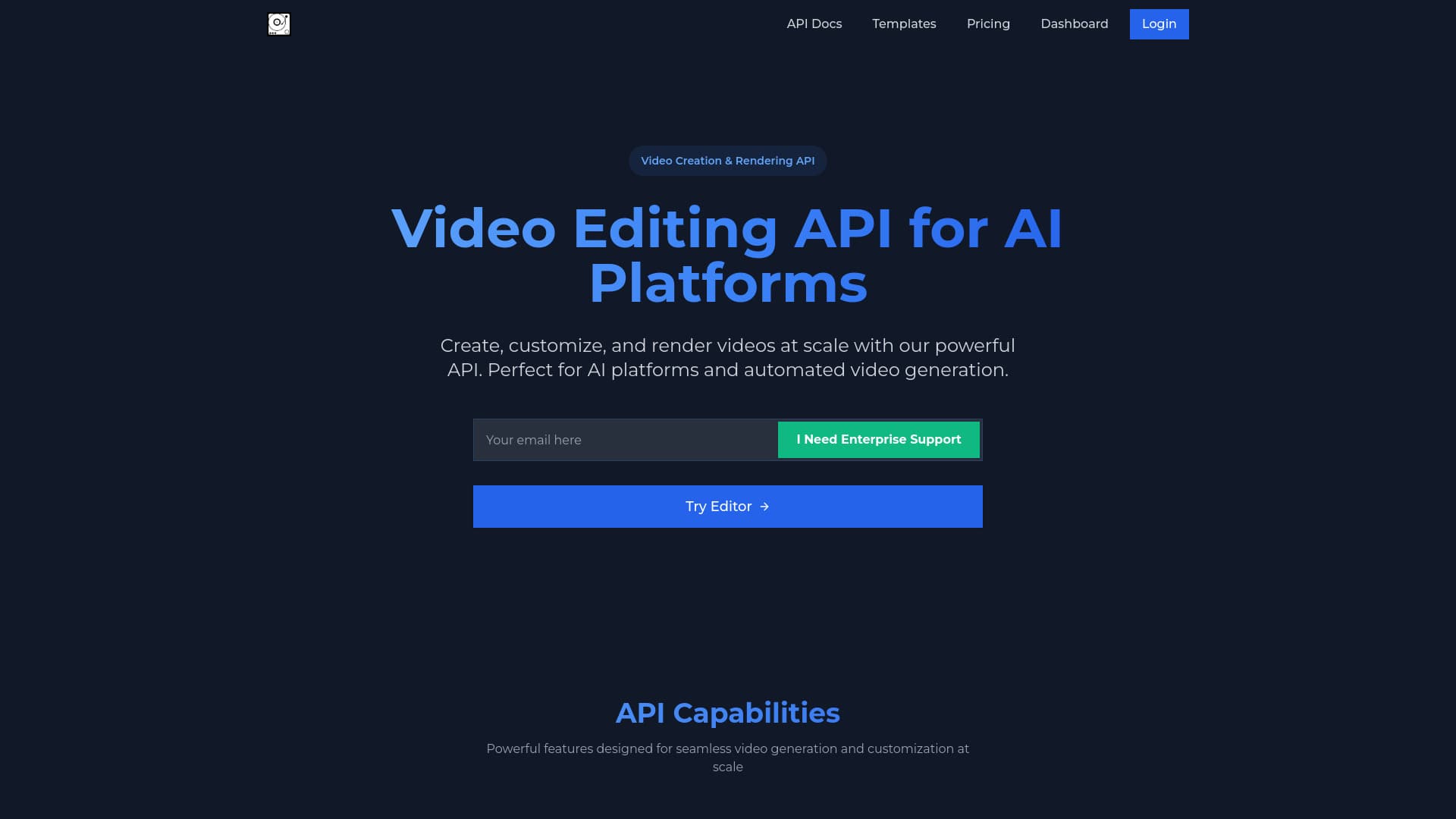
Simplify your video editing process with an intuitive API and a user-friendly interface, ideal for AI platforms and personal projects.
About Video AIditor
Video AIditor offers a straightforward video editing experience, combining an easy-to-use API with a browser-based editor. Users can upload clips, perform edits, and download polished videos effortlessly. Whether integrating with AI platforms or editing directly in the browser, it streamlines content creation for any skill level.
How to Use
Send your video clips via the API for automated editing or manually edit using the browser interface. Create reusable templates, customize them with JSON payloads, and use redirect URLs for further modifications. Webhooks enable real-time updates during the editing process.
Features
- Automatic captioning and subtitles
- Webhook support for notifications
- Reusable templates for quick edits
- Advanced editing tools
- Comprehensive video editing API
- Post-editing customization
- Intuitive browser-based editor
Use Cases
- Creating engaging social media videos
- Automating video production for AI platforms
- Developing explainer videos
- Designing promotional video content
- Editing videos directly within the browser
Best For
Businesses automating video workflowsContent creators and influencersSocial media marketing teamsProfessional video editorsAI platform developersMarketing departments
Pros
- Automatic caption and subtitle generation
- Simple API for automation
- Template-based quick video creation
- User-friendly web editor
- Free features available
- Suitable for enterprise scalability
Cons
- Requires technical skills for API integration
- Advanced features may require enterprise plans
FAQs
What are the main features of Video AIditor?
It offers an API for editing, template-based creation, auto captioning, post-editing options, webhook support, and a browser-based editing interface.
Does Video AIditor have a free plan?
Yes, it provides free access to browser editing, unlimited renders, and all processing occurs locally for complete privacy.
What support options are available for users?
Support includes comprehensive documentation, API references, templates, and email assistance at support@videoaiditor.com.
Can I customize videos using templates?
Absolutely. You can create, save, and customize templates via the API to streamline your video production process.
Is technical knowledge needed to use the platform?
Basic technical skills are helpful for API integration, but the browser editor is designed for easy, no-code editing.