

VideoToPage
VideoToPage efficiently condenses and transforms video and audio content into engaging blog posts, articles, and social media updates.
About VideoToPage
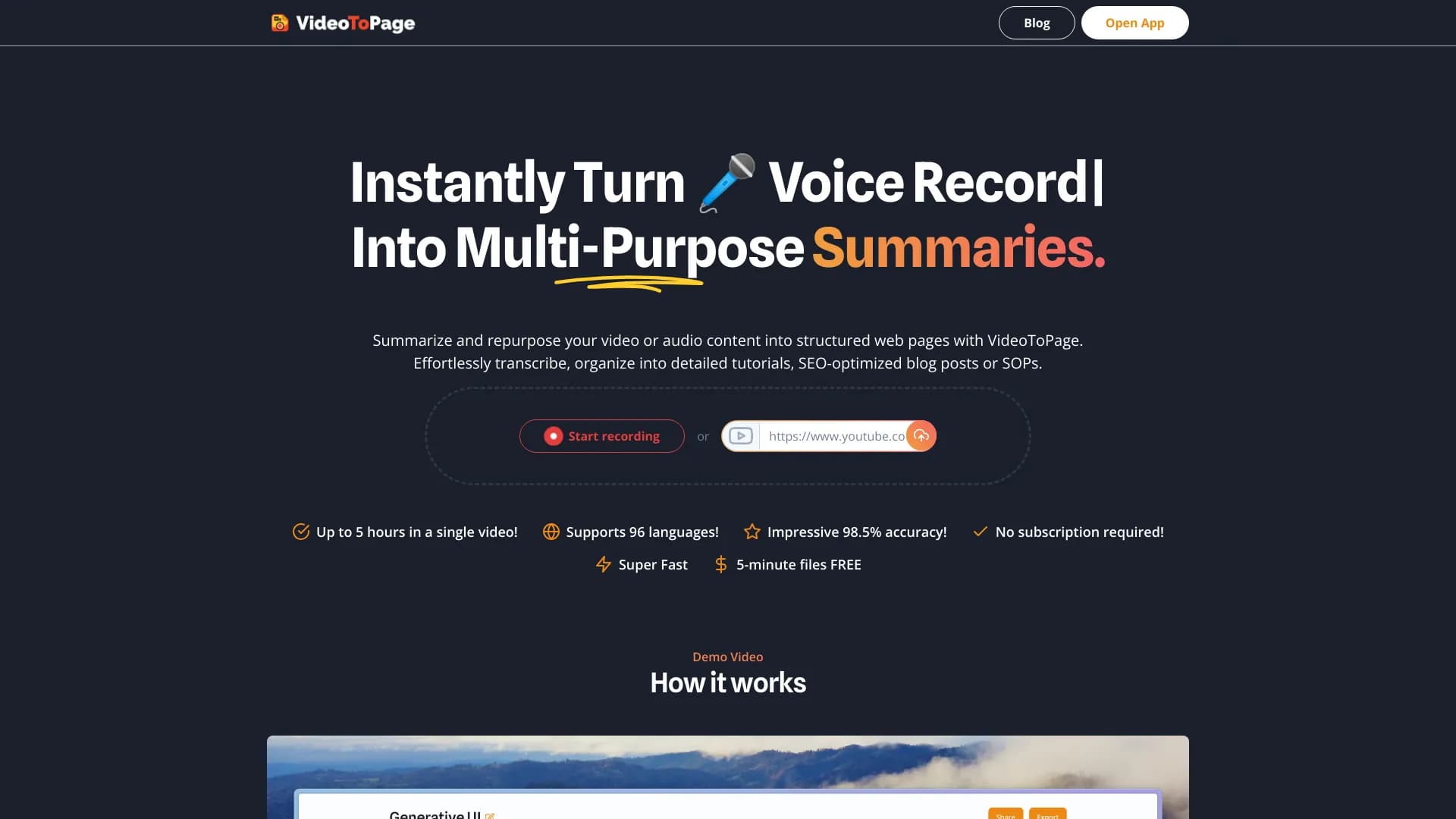
VideoToPage is a powerful tool that instantly summarizes and reuses video and audio recordings into various formats like blogs, articles, and social media posts. Users can upload videos, record audio, or input YouTube URLs to receive comprehensive summaries, transcripts, and content repurposing options. This automation streamlines content creation, saves time, and enhances your digital strategy.
How to Use
To get started, click the record button, upload your video or audio file, or enter a YouTube URL. The platform then generates a summary, transcript, and options to convert your content into blog posts, articles, or social media updates.
Features
- Supports multiple video sources including YouTube, Vimeo, and Twitch
- Rich text editing and chatbot assistance for content refinement
- Creates content in formats such as blogs, articles, and social media posts
- Supports multiple languages for global reach
- AI-driven conversion from video to blog content
- Semantic linking and content hierarchy structuring
- Automatic transcription and content summarization
Use Cases
- Media and entertainment content
- Customer support and sales communications
- Marketing strategies and SEO optimization
- Educational and training materials
- Productivity enhancement and automation
- Engineering and technological documentation
Best For
Pros
- Includes editing and organizational tools
- Offers a free trial option
- Compatible with various video and audio formats
- Provides multiple content templates
- Automates content repurposing to save time
Cons
- Free trial requires payment details
- Content quality depends on input material
- Premium plans needed for longer videos and advanced features
Pricing Plans
Choose the perfect plan. All plans include 24/7 support.
Professional
Ideal for freelancers and small businesses, offering 5 hours of content processing monthly and approximately 20 transcripts.
Get StartedBusiness
Designed for growing teams and companies, providing 50 hours per month and around 200 transcripts.
Get StartedAgency
Suitable for agencies and large enterprises, offering unlimited hours and transcripts each month.
Get Started