

Vocal Remover Online
Advanced AI-powered online tool for separating vocals and instrumentals from audio and video files.
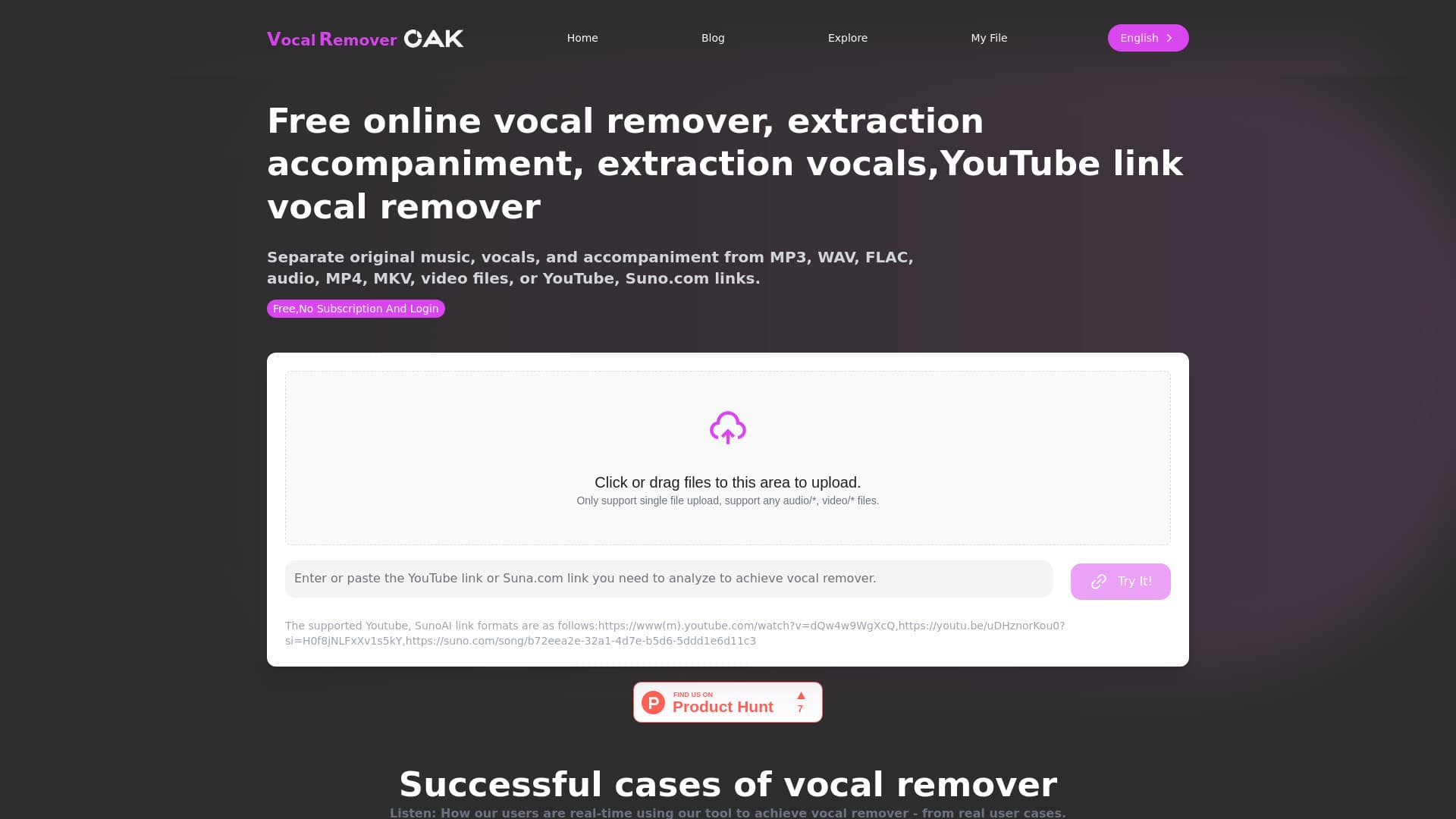
About Vocal Remover Online
Vocal Remover Oak leverages cutting-edge AI technology to effortlessly separate vocals and instrumentals from audio and video files. Compatible with formats like MP3, WAV, MP4, and links from YouTube and Suno.com, it offers free basic services alongside premium options for advanced features and bulk processing. Ideal for musicians, content creators, and karaoke enthusiasts seeking high-quality audio separation.
How to Use
Upload your local audio or video files, or paste YouTube or Suno.com links. The AI processes your files to isolate vocals and instrumentals quickly and accurately.
Features
- Supports YouTube and Suno.com links for seamless importing
- Utilizes deep learning AI for precise vocal removal
- Compatible with multiple audio and video formats
- Enables efficient separation of vocals and instrumentals
Use Cases
- Creating karaoke tracks from existing songs
- Isolating vocals for remixing or sampling projects
- Extracting instrumentals from YouTube videos
- Removing background music from video content
Best For
Pros
- Delivers high-quality vocal and instrumental separation
- Supports a wide range of audio and video formats
- Free basic service for quick audio removal
- User-friendly with simple file upload or link input
Cons
- Separated audio files are publicly accessible by default (can be deleted)
- Processing speed varies based on file size and server traffic
- Advanced features and batch processing require paid plans
Pricing Plans
Choose the perfect plan. All plans include 24/7 support.
Basic plan
Get 100 minutes of processing time; limit of 10 minutes per file
Get Started