

VSCO
A comprehensive photography and video editing app featuring a creative community and professional editing tools.
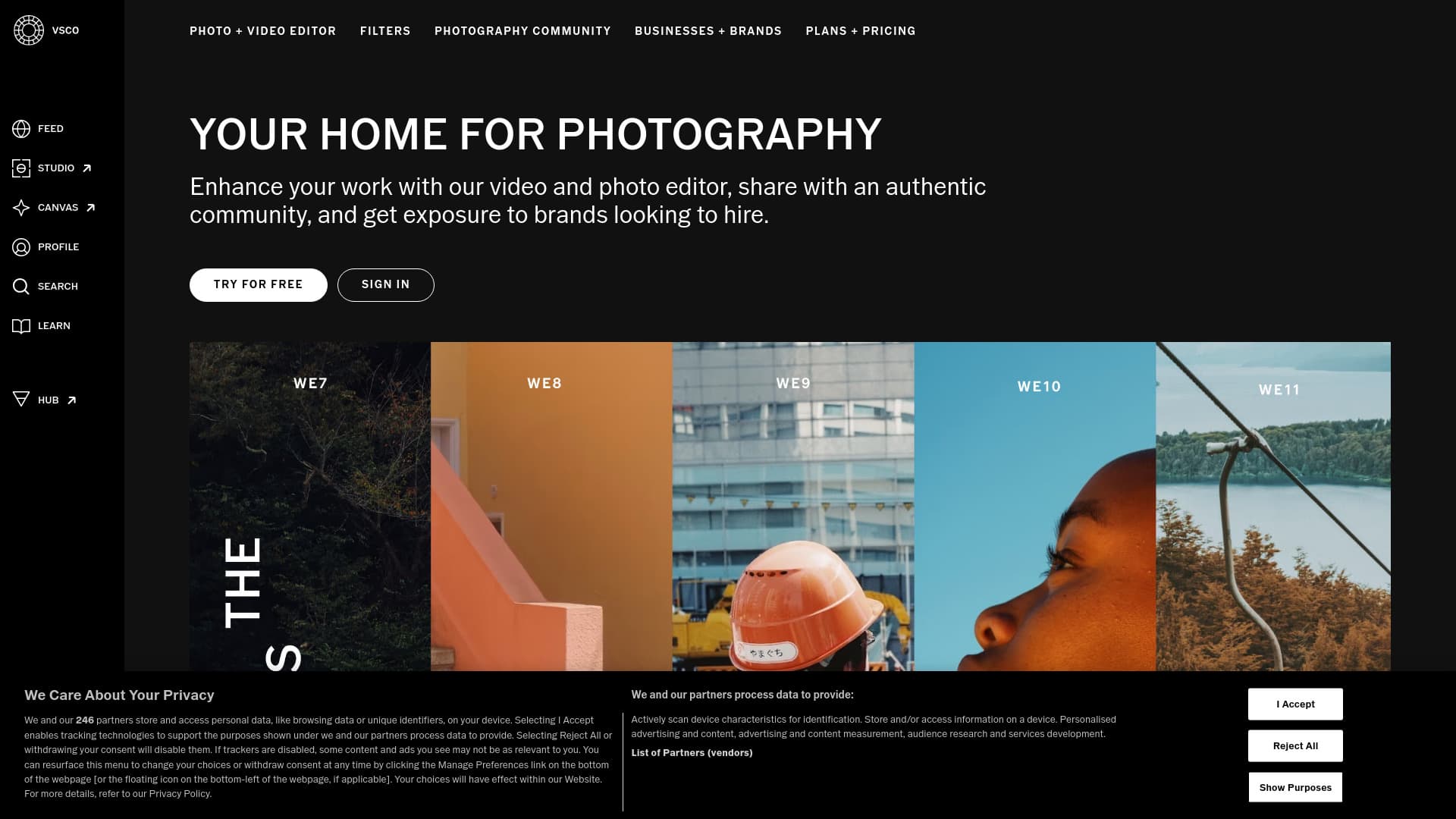
About VSCO
VSCO is a versatile mobile app for photography and video editing available on iOS, Android, Mac, and Windows. It offers powerful tools such as preset filters, advanced editing features, and film emulation to enhance your visuals. Beyond editing, VSCO fosters a global community where photographers can showcase their work, share stories through blogs, and build professional portfolios. The platform also connects creatives with brands through VSCO Hub, enabling collaborations and hiring opportunities.
How to Use
Capture photos and videos directly within VSCO or import existing media. Apply a wide array of preset filters and utilize advanced editing tools like Film FX, Grain, AI-based Remove, and HSL adjustments. Share your creations through profiles, galleries, or blogs. Join VSCO Spaces to connect with other creators, explore inspiration, and access brand partnership opportunities via VSCO Hub. For more extensive editing, use the desktop versions available for Mac and Windows.
Features
- Create moodboards with VSCO Canvas for visual planning
- Engage with brands via VSCO Hub for collaborations and challenges
- Utilize advanced editing tools including Film FX, Grain, AI Remove, and HSL adjustments
- Manage client galleries with the Pro plan
- Build professional portfolios with VSCO Sites
- Access mobile and desktop photo editing tools
- Gain insights into profile performance with Pro analytics
- Choose from over 200 preset filters for quick edits
- Edit videos with effects and transitions
- Join a global photography community through Spaces, Galleries, and Blogs
- Sync your work across devices with cloud storage (Pro plan)
- Integrate with Adobe Lightroom for seamless editing (Pro plan)
Use Cases
- Create and display a professional photography portfolio
- Share stories and creative ideas through photography blogs
- Learn photography techniques via tutorials and tips
- Design moodboards for upcoming shoots and projects
- Get discovered by brands for potential collaborations
- Enhance personal photos and videos for social media sharing
- Connect with a worldwide network of photographers for inspiration and teamwork
Best For
Pros
- Provides comprehensive tutorials and guides to improve photography skills
- Includes advanced features like AI Remove and authentic vintage effects with Film FX and Grain
- Facilitates professional growth through brand collaborations via VSCO Hub
- Features an active global community for inspiration and networking
- Supports portfolio creation and personal websites with VSCO Sites
- Offers a free plan with essential editing tools for beginners
- Delivers robust photo and video editing capabilities on mobile and desktop
Cons
- Full desktop features and some professional tools are exclusive to the Pro plan and available only on iOS and desktop
- The free Starter plan offers limited presets and editing options
- Many advanced editing features require a paid membership
Pricing Plans
Choose the perfect plan. All plans include 24/7 support.
Starter
Begin exploring your creativity with 15 presets, basic editing tools, a public profile, Spaces, and VSCO Canvas with 1 project and 100 lifetime credits.
Get StartedPlus
Unlock over 200 presets, advanced editing features, unlimited recipes, video editing, and full community access, including VSCO Canvas with 1 project and 250 monthly credits.
Get StartedPro
Access the complete suite of mobile and desktop tools, Pro presets, VSCO Canvas with 50 projects and 500 monthly credits, Adobe Lightroom integration, cloud sync, portfolio websites, galleries, blogs, client spaces, and analytics. Available on iOS and desktop.
Get Started