

Watermark Remover - 1 Click to Erase
AI-driven Chrome extension that effortlessly removes watermarks and unwanted objects from photos for cleaner visuals.
About Watermark Remover - 1 Click to Erase
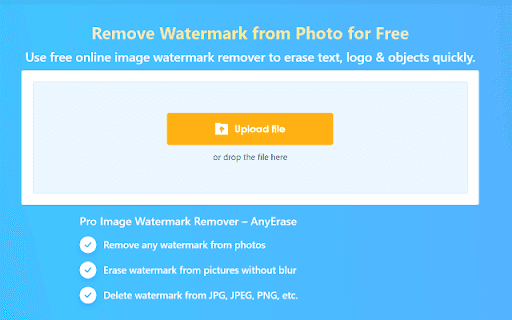
Amoyshare Watermark Remover is an AI-powered Chrome extension designed to eliminate watermarks and unwanted objects from photos. It intelligently detects the selected area and seamlessly fills it with surrounding pixels, ensuring a natural and clean image after removal.
How to Use
1. Click 'Upload image' to select a local photo. 2. Use the rectangle tool to highlight the unwanted area. 3. Click 'Erase' to remove the object and restore the background seamlessly.
Features
- AI-powered object removal technology
- Automatic pixel restoration for natural results
- User-friendly Chrome extension interface
Use Cases
- Remove watermarks from images
- Erase distracting objects like cars or trees
Best For
Social media enthusiastsProfessional photographersContent creatorsGraphic designersImage editors
Pros
- Advanced AI technology for precise object removal
- Restores background seamlessly for natural images
- Intuitive and simple to operate
- Quick access through Chrome extension
Cons
- Performance varies with image complexity
- Limited to object removal tasks
FAQs
How does the Amoyshare Watermark Remover work?
It uses AI to detect and remove selected objects, then fills the area with surrounding pixels for a natural appearance.
What types of objects can I remove?
You can remove watermarks, cars, trees, and other unwanted elements from your photos.
How do I access the Watermark Remover?
Open the Chrome extension, upload your photo, and use the tool to remove objects easily.