

Watermark Remover AI
An AI-driven image editing platform that simplifies creating and enhancing visuals with ease.
About Watermark Remover AI
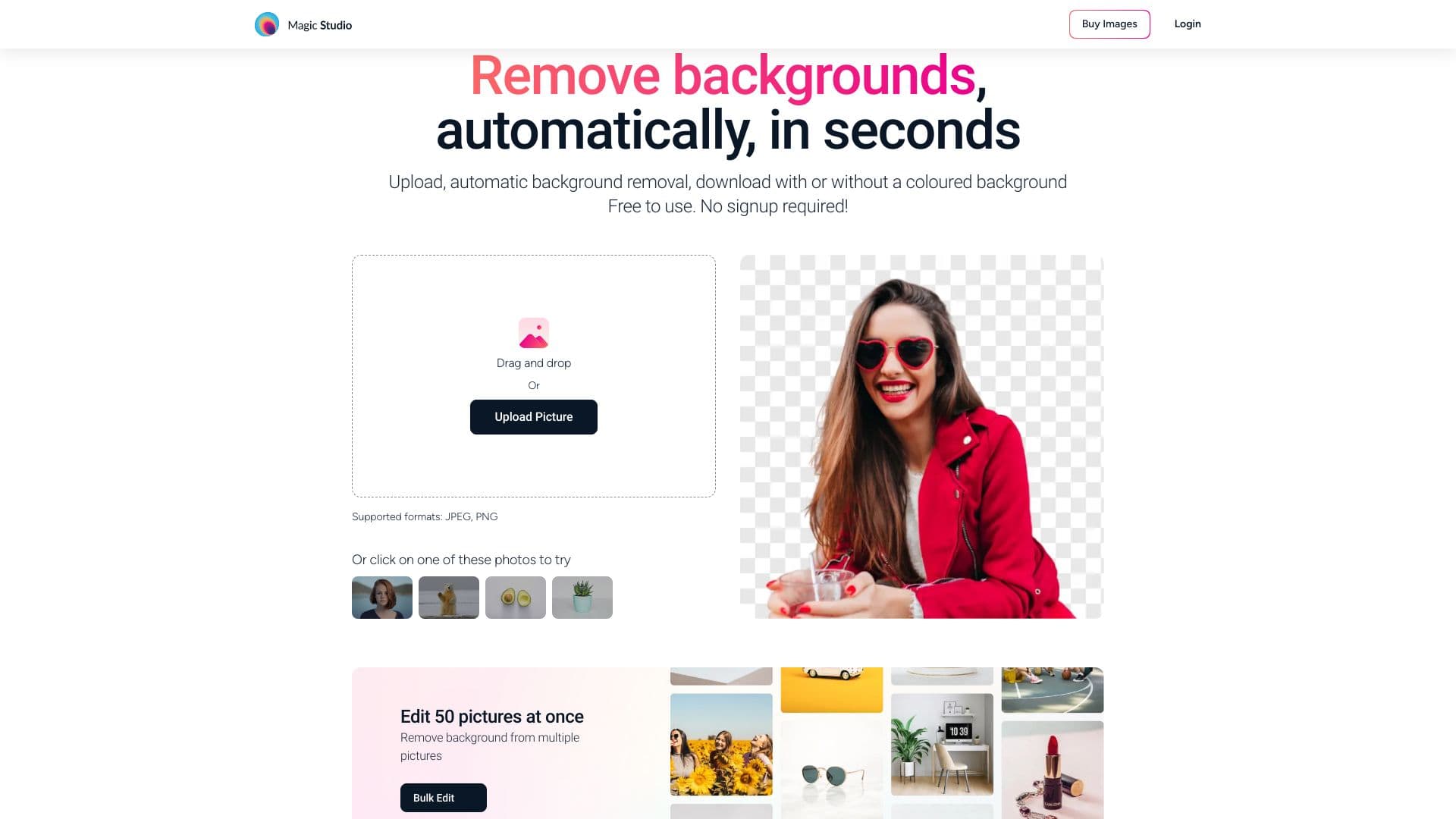
Magic Studio is an innovative AI-powered platform that allows users to create and edit images effortlessly. It provides tools for removing objects, changing backgrounds, and more, making it ideal for designing product images, advertisements, and social media content without requiring advanced design skills.
How to Use
Upload your images to Magic Studio and select from various AI-powered editing tools. Easily remove objects, alter backgrounds, or generate new images. The platform's intuitive interface requires minimal technical knowledge.
Features
- Automatic Background Removal
- Image Resolution Upscaling
- Object Removal with Magic Eraser
- Background Blur Effect
- Convert WEBP to PNG
- AI-Powered Image Generator
- HEIC to JPG Conversion
- AI Art Creation Tool
Use Cases
- Designing product images for e-commerce
- Creating marketing and promotional visuals
- Crafting engaging social media posts
- Removing unwanted elements from photos
- Improving image resolution for better quality
Best For
EntrepreneursSocial media managersSmall business ownersContent creatorsMarketing professionalsAdvertising agencies
Pros
- Supports a wide range of visual content needs
- AI tools simplify complex editing tasks
- Saves time on graphic design work
- No prior design experience required
- Intuitive and easy-to-use interface
Cons
- Certain features require a PRO subscription
- Free plan limits resolution and adds watermarks
- AI-generated results may sometimes need manual adjustment
Pricing Plans
Choose the perfect plan. All plans include 24/7 support.
FAQs
Is Magic Studio available for free?
Yes, Magic Studio offers a free plan with basic features. Free downloads include watermarks and limited resolution options.
Can I use Magic Studio for commercial projects?
Absolutely. It can be used for commercial purposes, but the free plan includes watermarks. A PRO subscription is needed for watermark-free, high-resolution downloads.
Is my data secure with Magic Studio?
Yes. Magic Studio prioritizes your privacy and only processes your images for editing purposes, without storing or accessing them beyond that.
What image formats does Magic Studio support?
The platform supports all major formats, including JPEG, PNG, TIFF, HEIC, and WEBP.
What benefits does the PRO plan offer?
The PRO plan includes unlimited AI image generations, high-resolution downloads, priority support, and access to all advanced editing tools across devices.