

Wavel AI

Wavel AI

An AI-driven platform specializing in video editing, text-to-speech conversion, voice cloning, and localization solutions.
About Wavel AI

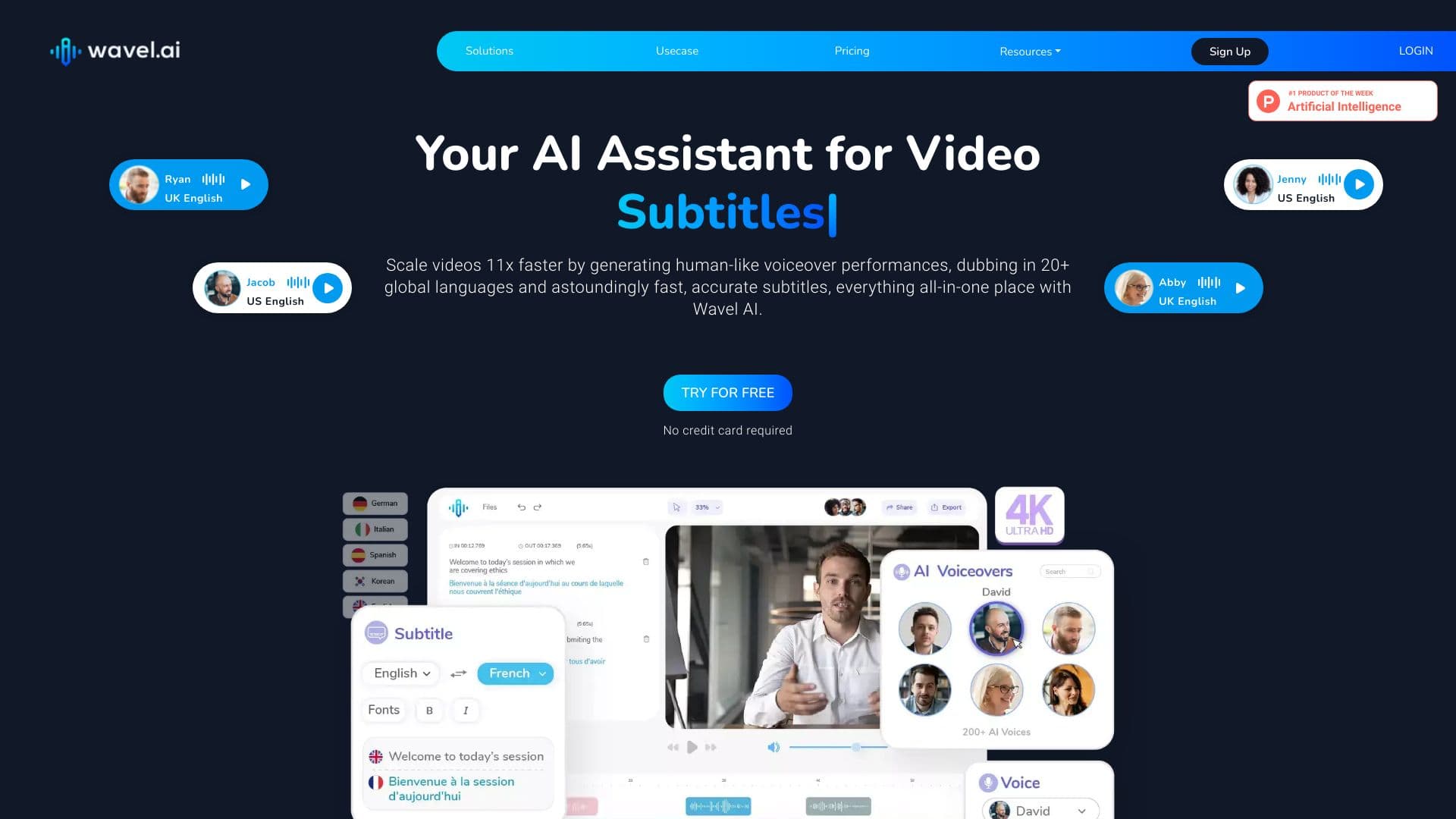
Wavel AI is a comprehensive AI-powered platform that offers advanced tools for video editing, automatic speech synthesis, voice cloning, and multilingual translation. Designed to streamline video production and localization, it caters to users of all skill levels, providing solutions for AI dubbing, subtitle generation, and various video enhancement tasks to accelerate content creation.

How to Use

Upload your videos or input text into Wavel AI, then select from its AI-driven tools to generate voiceovers, subtitles, translations, and other enhancements. Its intuitive interface and customizable options facilitate easy content creation and editing.

Features

  • AI Screen Recorder for easy capturing
  • AI-Driven Dubbing for multilingual videos
  • Automated Video Translation in multiple languages
  • AI Voice Changer for creative effects
  • AI Video Generator for quick content creation
  • AI Video To Shorts converter for social media
  • AI Accent Generator for regional voice customization
  • Text-to-Speech for realistic speech synthesis
  • AI Subtitle Generation for accurate captions
  • AI Voice Cloning for personalized voiceovers
  • AI Video Editor with advanced editing tools

Use Cases

  • Translating videos for international audiences
  • Adding accurate subtitles to enhance accessibility
  • Transforming screen recordings into polished videos
  • Creating engaging YouTube Shorts from longer videos
  • Converting text into natural, expressive speech
  • Localizing videos with precise lip-sync and intonation
  • Cloning voices for advertising and podcast production

Best For

Online Fitness CoachesReal Estate AgenciesMedia and Entertainment CompaniesGamers and StreamersCourse CreatorsMarketing TeamsPodcast ProducersReligious OrganizationsVideo Production StudiosE-commerce BrandsLive StreamersOnline Educators

Pros

  • Produces high-quality, natural-sounding output
  • Intuitive and easy-to-navigate interface
  • Offers a wide range of AI-powered video tools
  • Automates time-consuming editing processes
  • Supports multiple languages for global reach

Cons

  • AI reliance may limit creative flexibility in some scenarios
  • Learning curve to master all features
  • Pricing structure may be challenging for budget-conscious users

FAQs

How does Wavel AI differ from traditional screen recorders and voice tools?
Wavel AI combines AI-powered screen recording with advanced voice and video features, including auto-zoom, AI avatars, subtitles, and seamless text-to-speech conversion, delivering superior quality and an all-in-one video creation experience.
Is Wavel AI secure and privacy-focused?
Absolutely. Wavel AI ensures your recordings and synthetic voice data are encrypted and kept confidential, maintaining a secure environment for personal and professional projects.
How can I manage my subscription plan?
Manage your subscription easily through our online portal, where you can upgrade, downgrade, or cancel your plan at any time.
What is the Text-to-Speech feature?
Text-to-Speech (TTS) converts written text into natural-sounding speech using AI and deep learning. It supports multiple voices, languages, and accents, ideal for content creators, virtual assistants, and accessibility needs.
What is AI voice cloning, and does Wavel AI offer this feature?
AI voice cloning reproduces a person's voice with high accuracy. Wavel AI includes voice cloning capabilities, enabling personalized AI voices for videos, podcasts, and other multimedia projects.
Are there special plans for teams or educational institutions?
Yes, we offer volume licensing and tailored plans for teams and schools. Please contact our sales team for customized pricing and options.
How do I record my screen with Wavel AI?
Simply launch the web-based screen recorder, select your screen or application window, and start recording. You can include webcam footage and utilize AI enhancements for a professional result.
Which operating systems are compatible with Wavel AI?
Wavel AI works seamlessly on Windows, macOS, and other platforms via web browsers, requiring no installation. Its AI features, like smart zoom and speech-to-video, operate automatically.
How can I edit my recordings?
Use Wavel AI’s AI-powered editing tools to add auto-zoom, intros, outros, AI-generated subtitles, and avatars. Manual editing options are also available for precise adjustments.
How does audio recording work?
Audio is recorded automatically once you grant microphone access. Use it to create presentations, explainer videos, or team messages with integrated AI voice editing.