

WebGPT - Chat with webpage
A Chrome extension that seamlessly integrates ChatGPT into your browser, enhancing your web browsing experience with AI-powered assistance.
About WebGPT - Chat with webpage
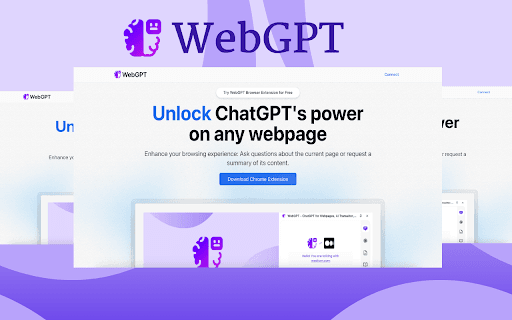
This Chrome extension brings the power of ChatGPT directly to your browser, transforming how you interact with web content. Chat with ChatGPT, ask questions about webpages, or get instant summaries—all without leaving your current tab for a smoother, smarter browsing experience.
How to Use
Install the extension from the Chrome Web Store. Access ChatGPT directly from your browser toolbar to ask questions, get webpage summaries, or engage in conversations without switching tabs.
Features
- Instantly summarizes web pages within your browser
- Ask questions about the current webpage for quick insights
- Seamless integration of ChatGPT into Chrome
- Chat with ChatGPT directly from any browser tab
Use Cases
- Chatting with AI while browsing online
- Getting instant answers about webpage content
- Summarizing articles and web pages rapidly
Best For
Writers and content creatorsWeb researchersStudents seeking quick informationDigital marketersOnline learners
Pros
- Boosts browsing efficiency with quick summaries and responses
- Simple to install and user-friendly
- Access ChatGPT without switching between tabs
Cons
- Privacy concerns depending on the extension's data sharing policies
- Requires a ChatGPT account, which may involve costs
- Performance reliant on ChatGPT service speed
FAQs
What functionalities does this Chrome extension offer?
It allows you to chat with ChatGPT, ask questions about webpages, and receive quick content summaries directly within your browser.
Is this extension easy to install and use?
Yes, simply add it from the Chrome Web Store and access ChatGPT features directly from your browser toolbar.
Does this extension improve browsing productivity?
Absolutely. It provides instant answers and summaries, saving you time and effort while browsing.
Are there any privacy concerns with this extension?
Privacy depends on the extension’s privacy policy and data sharing practices. Always review permissions before installation.
Is a ChatGPT account required to use this extension?
Yes, having a ChatGPT account is necessary, and some features may require a paid subscription.