

Windsurf
An AI-powered code editor designed to boost developer productivity and streamline workflows for teams and enterprises.
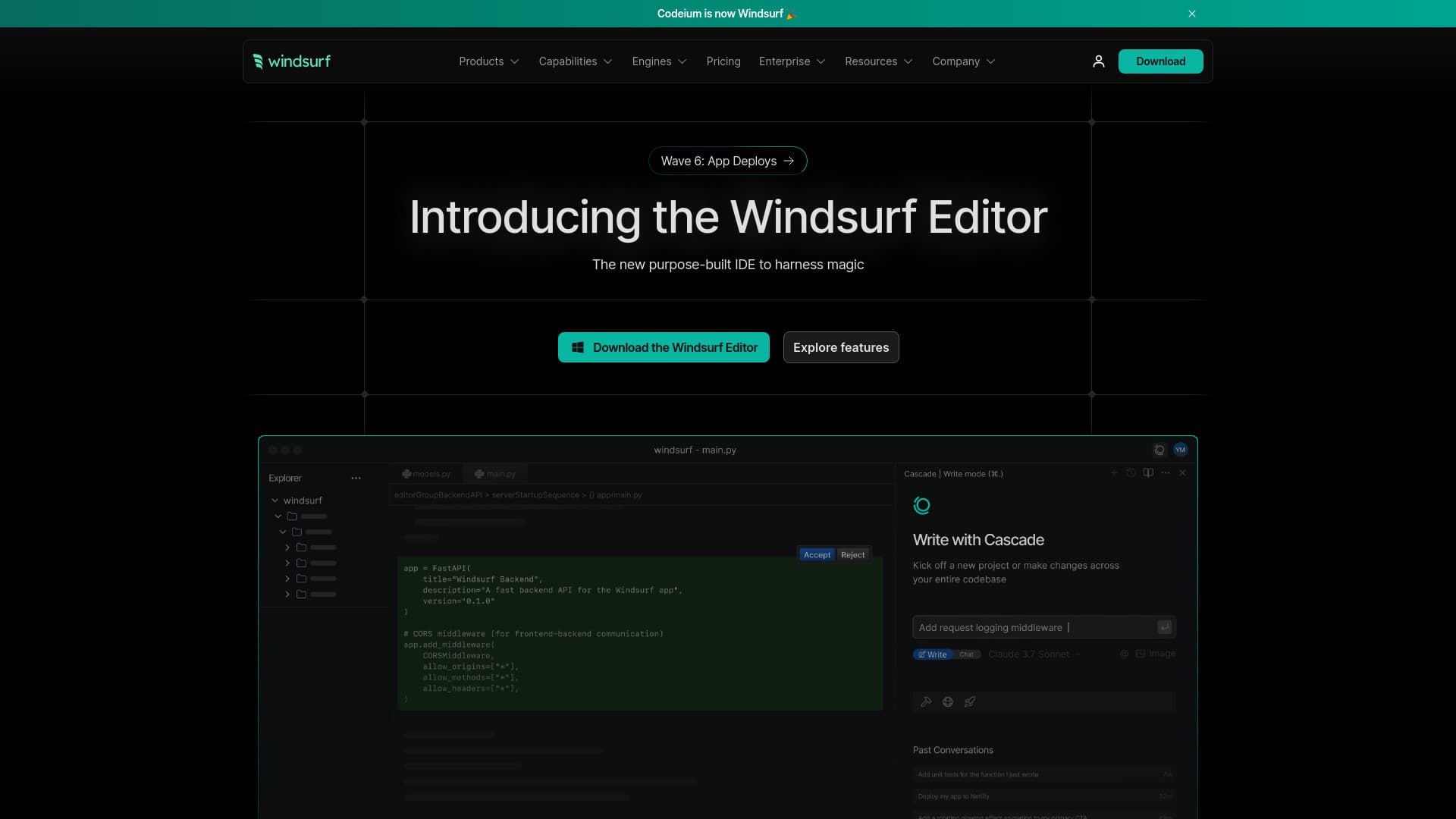
About Windsurf
Windsurf (formerly known as Codeium) is an AI-driven code editor tailored for developers and enterprise teams. It features the Windsurf Editor, an AI-native integrated development environment that helps maintain developer focus by anticipating needs, proactively fixing issues, and managing complex codebases. Key capabilities include Cascade, an intelligent agent that codes, troubleshoots, and predicts next steps, alongside Windsurf Tab, which offers smarter code suggestions based on command history and clipboard data. The platform supports building, iterating, and deploying applications directly within the editor, with features like memory management, automated lint fixing, MCP server integration, and terminal command execution.
How to Use
Download and install the Windsurf Editor to start coding. The built-in AI assistant offers real-time suggestions, error corrections, and task automation. Utilize Cascade for advanced coding support, leverage Windsurf Tab for smarter code completion, integrate with MCP servers for custom tools, and execute terminal commands seamlessly within the editor environment.
Features
- Supports MCP servers for custom tool integration
- Remembers codebase structure and workflow context
- Provides AI-driven code suggestions and completions
- Enables terminal command execution within the editor
- Includes Cascade agent for intelligent coding assistance
- Facilitates in-editor app building and deployment
- Automates linting and code fixing processes
Use Cases
- Enhancing code quality and reducing technical debt
- Accelerating development through automation of repetitive tasks
- Simplifying app building and deployment workflows
- Boosting developer productivity by maintaining focus
- Accelerating onboarding for new team members
Best For
Pros
- Seamless integration with custom tools
- AI-powered coding assistance
- Significant productivity improvements
- Enhanced code quality
- Faster onboarding processes
- Streamlined development workflow
Cons
- Enterprise plans may be costly for some users
- Learning curve for new users
- AI suggestions may occasionally be inaccurate
- Overreliance on AI could impact independent problem-solving skills