

YourAIScroll
Easily export and manage AI chat histories across multiple platforms with advanced features.
About YourAIScroll
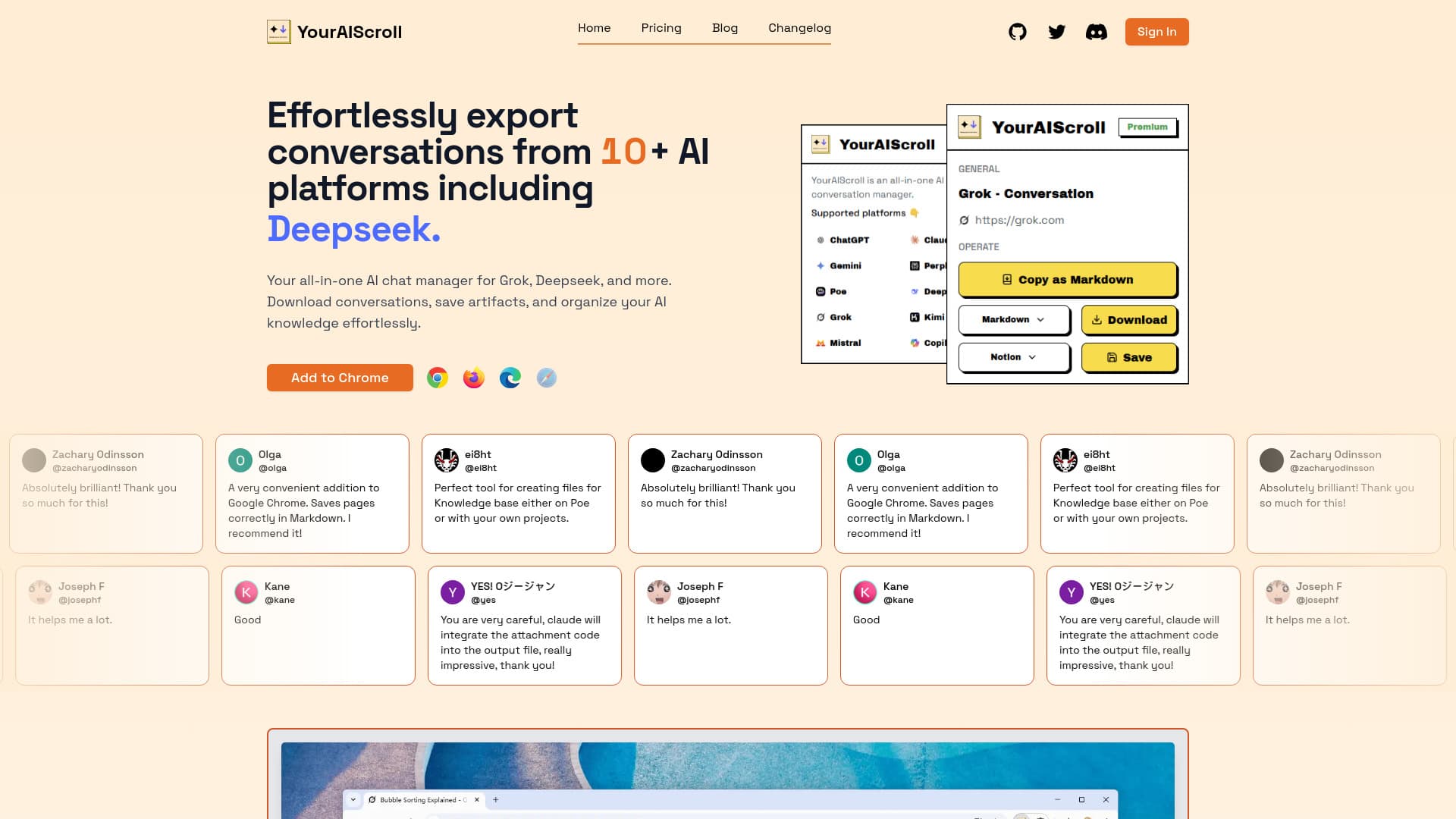
YourAIScroll is a versatile tool designed to export and organize AI chat histories from over 10 leading platforms, including Grok, Deepseek, Gemini, ChatGPT, Claude, Perplexity, Poe, Copilot, Kimi, and Mistral. It offers features like saving conversations with web citations, exporting in formats such as JSON, Markdown, HTML, and Text, and supports advanced options like ChatGPT Canvas and Claude Artifacts, including flowcharts and SVG graphics. With seamless one-click saving to Notion and the ability to extract code, tables, LaTeX formulas, and diagrams, YourAIScroll simplifies managing AI interactions effectively.
How to Use
Add the YourAIScroll browser extension for Chrome, Firefox, or Edge. After installation, effortlessly export conversations from supported AI services. Choose your preferred format—Copy, JSON, Text, Markdown, or HTML—or use the one-click feature to save directly to Notion for streamlined organization.
Features
- Extract tables and LaTeX formulas directly from chat pages
- Export AI conversations in formats: Copy, JSON, Text, Markdown, HTML
- Save Claude Artifacts including flowcharts and SVG graphics
- Export ChatGPT Canvas conversations with drawings and interactive elements
- Download chat histories with embedded web citations
- Extract code snippets and programming content
- One-click save to Notion for easy organization
- Support for over 10 AI platforms including Gemini, ChatGPT, Claude, and more
- Extract complete Mermaid diagrams and tags for visual content
Use Cases
- Sharing AI conversations in structured formats for collaboration
- Archiving chat histories with web citations for research
- Creating organized files for knowledge bases or projects
- Backing up AI chats for personal or professional reference
- Extracting code, tables, and diagrams for documentation
Best For
Pros
- One-click saving directly to Notion
- User-friendly browser extensions for Chrome, Firefox, and Edge
- Supports multiple export formats: JSON, Text, Markdown, HTML
- Exports advanced AI features like ChatGPT Canvas and Claude Artifacts
- Facilitates extraction of structured content such as code, tables, and diagrams
- Data remains secure; it does not pass through external servers
- Compatible with over 10 AI platforms for broad usability
- Highly rated by users for efficiency and reliability
Cons
- No significant drawbacks mentioned at this time
Pricing Plans
Choose the perfect plan. All plans include 24/7 support.
Free
Ideal for new users, offering unlimited Markdown exports, support for 10 AI platforms, and seamless export of Canvas and Artifacts.
Get StartedPremium
Perfect for power users, providing unlimited Markdown exports, support for multiple formats, one-click Notion saving, and continuous feature updates.
Get Started