

Youtube Playlist Randomizer
A free online tool to shuffle and loop YouTube playlists with ad-free playback for an enhanced listening experience.
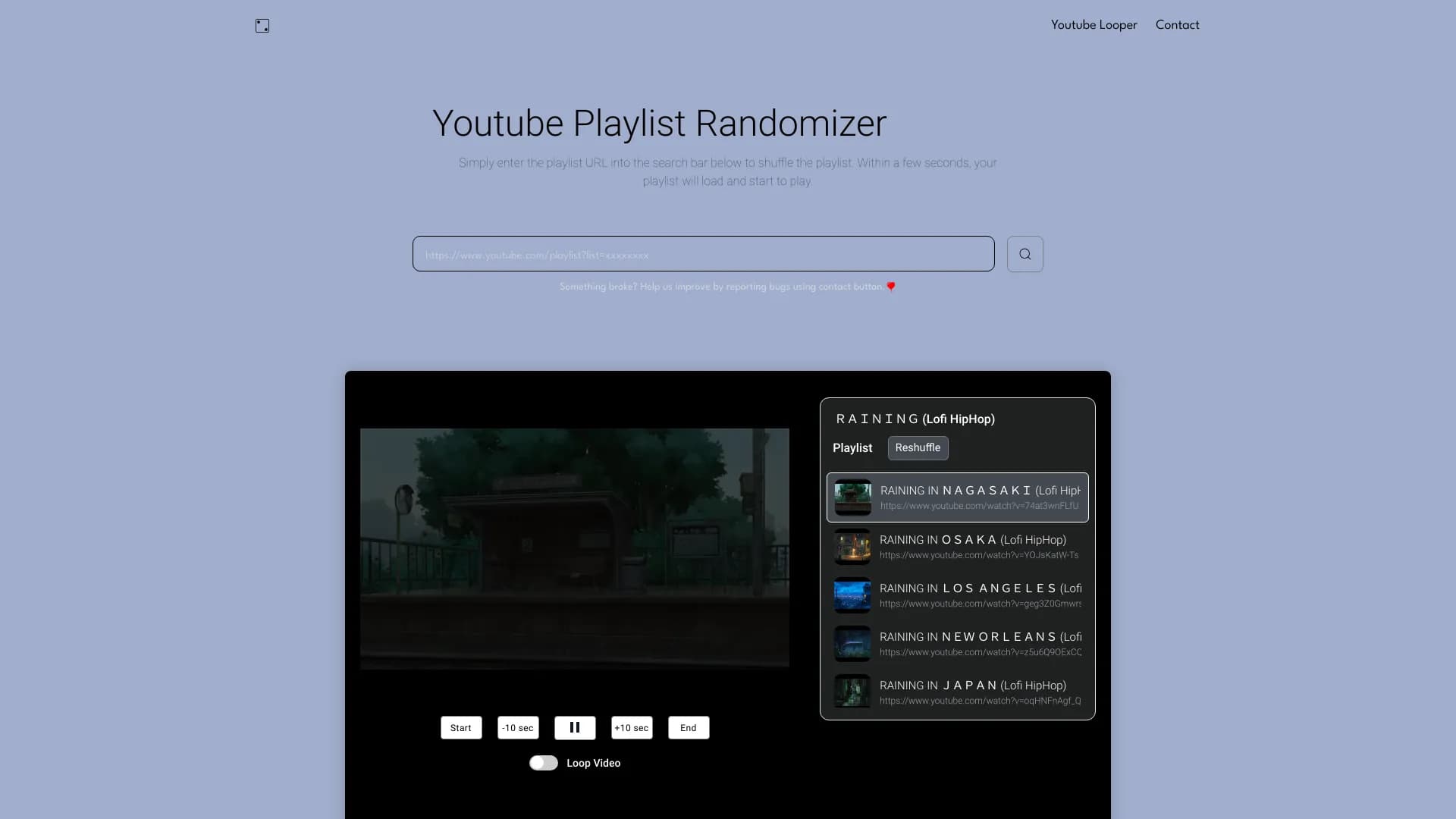
About Youtube Playlist Randomizer
Playlist Randomizer is a free web-based service that enables users to shuffle YouTube and YouTube Music playlists seamlessly. It addresses the limitations of YouTube by offering fully randomized playlist shuffling, even for playlists with over 200 videos. Users can also loop playlists, save favorites, and enjoy ad-free listening, including background playback with the screen off. Designed for a superior playlist experience, it surpasses YouTube's native features in flexibility and convenience.
How to Use
Enter your playlist URL in the search bar and click 'Start'. The playlist loads and begins playing. You can then shuffle, loop, or select specific tracks as desired.
Features
- Ad-free listening experience
- Loop entire playlists or individual songs
- Background playback with the screen off
- Save playlists and view history
- Shuffle large YouTube playlists seamlessly
Use Cases
- Loop a song for extended listening sessions
- Randomize large playlists for variety
- Enjoy music while conserving device battery with screen off
- Listen to favorite playlists without interruptions
Best For
Pros
- Intuitive and user-friendly interface
- Supports background playback
- Complete random shuffling of playlists
- Ad-free listening without interruptions
- Easy playlist saving and access to history
Cons
- May not support all playlist formats
- Requires an internet connection
- Dependent on YouTube’s API and service availability