

Zist
Zist is a powerful code snippet manager that seamlessly integrates with GitHub Gists to optimize your development workflow and improve code management efficiency.
About Zist
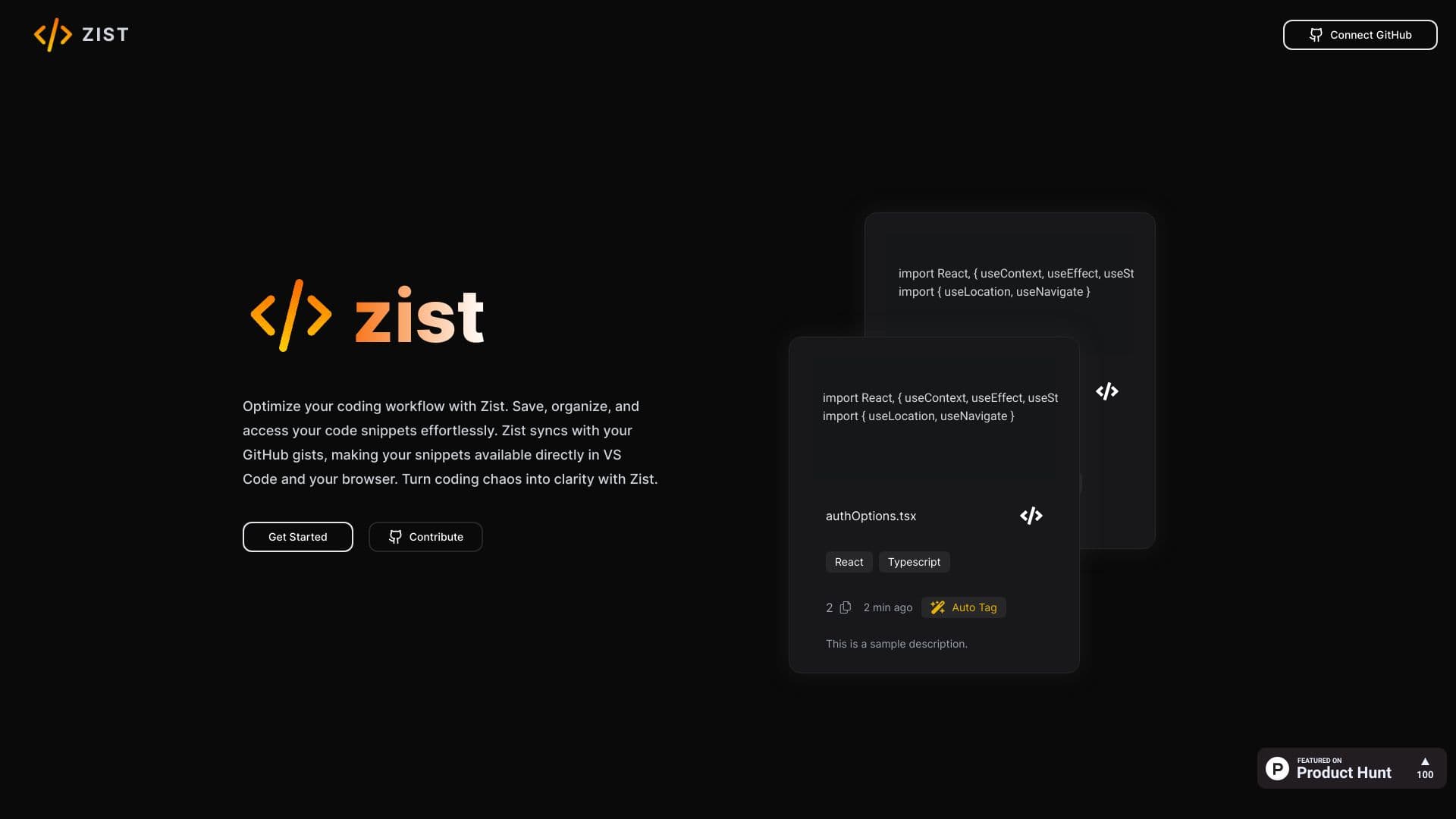
Zist is a comprehensive platform designed for developers to efficiently organize, access, and manage their code snippets and GitHub Gists. It features AI-powered auto-tagging, advanced search options, and an intuitive editor to enhance your coding process. With integrations for VS Code and browsers, Zist promotes effortless code reuse and collaboration among teams.
How to Use
Connect Zist to your GitHub account to sync your gists. Save, categorize, and retrieve code snippets easily. Use the VS Code and browser extensions for quick access during development sessions.
Features
- Centralized code snippet organization
- Powerful search and filtering tools
- Integrations with VS Code and browsers
- Synchronization with GitHub Gists
- AI-powered auto-tagging for better organization
Use Cases
- Managing and reusing code snippets across multiple projects
- Accessing code snippets quickly within VS Code or web browsers
- Collaborating with team members on shared snippets
Best For
Web developersSoftware engineersDevelopment teamsData scientistsProgrammers
Pros
- Easy access via VS Code and browser extensions
- Simplifies code snippet management
- Utilizes AI for automatic tagging and organization
- Seamless integration with GitHub Gists
Cons
- AI auto-tagging accuracy may vary depending on code complexity
- Dependent on GitHub Gists, which may not suit all workflows
FAQs
What is Zist?
Zist is an all-in-one code snippet management platform that helps developers organize and access their snippets and GitHub Gists effortlessly.
How does Zist connect with GitHub?
Zist syncs directly with your GitHub Gists, allowing you to access and manage your snippets within VS Code and your browser.
Can I organize my snippets with tags?
Yes, Zist offers AI-powered auto-tagging to automatically categorize your snippets for easier retrieval.
Is Zist compatible with popular code editors?
Yes, Zist provides extensions for VS Code and browser-based access for seamless integration into your development environment.
Does Zist support team collaboration?
Absolutely, Zist enables teams to share and collaborate on code snippets efficiently.